CCTV access requests
Identify the subject of a footage request. Hide other faces and license plates, then review the copy before sharing it.
BlurMe Enterprise
Process videos in your browser and manage accounts and tasks, whether you work at one location or across several. Install BlurMe within your company or use it in the cloud.
Excellent Product designation · South KoreaGS certification · Grade 1Custom pricing for your deployment and scale

Identify the subject of a footage request. Hide other faces and license plates, then review the copy before sharing it.
Hide staff and visitor faces in recordings from stores, warehouses or other sites. Keep the relevant activity visible while reducing exposure of bystanders.
Use recorded situations for training or internal review. Hide people who do not need to be identified and check the footage for missed areas.
Staff at each location process videos through their browsers. Administrators add staff accounts and keep track of their work.
Upload a video, review and adjust the areas to hide, then download the result.
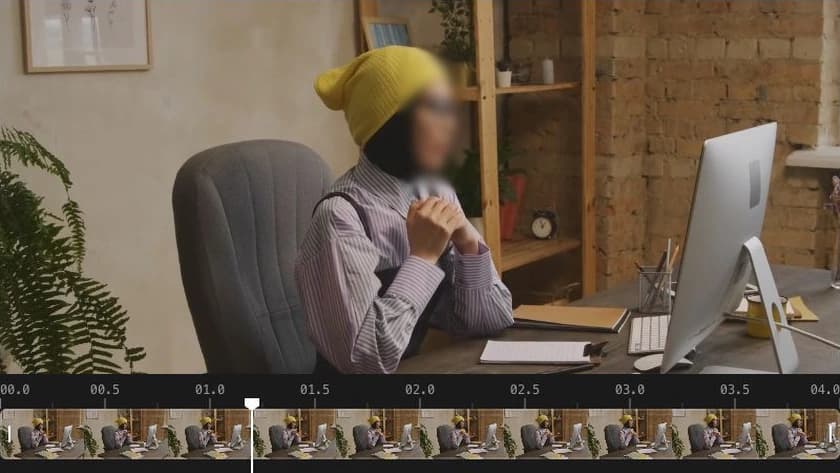
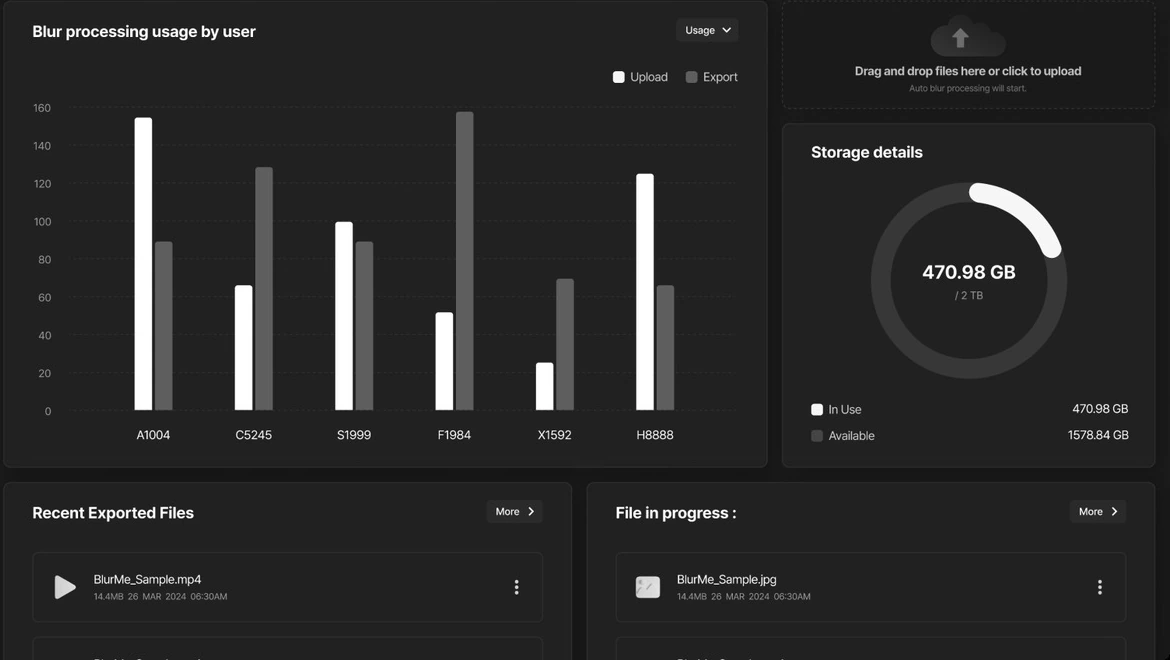
Add staff accounts, check usage by person and see work in progress.
We size the installation around your locations, concurrent users and video workload.
Add users, review their usage and see which jobs are in progress.
Admin console preview
Select a view to explore the admin tools.
See users’ files and their current processing stage.



Reconstructed view of admin features · Sample data
Internal account and groupware integration is supported. The connection method and scope are agreed for the systems you use.
Choose where your files are processed and how much your company wants to operate itself.
Install BlurMe on central hardware managed by your organization. Staff at connected locations use their browsers, without installing an editor on each PC.
Set up equipment to process files within your shop or office.
Install it centrally, for example at head office, and let staff at each site connect through the web.
Start on the web without buying or installing processing hardware. Each organization has its own staff accounts and workspace within the shared service.
A cloud environment reserved for your company is also available. Discuss the capacity and operating requirements you need.
Rail stations, local government and business sites in South Korea use BlurMe Enterprise to prepare videos for review and sharing.

In use at 200 stations
KORAIL uses BlurMe Enterprise to conceal personal information in CCTV footage prepared for viewing and release.
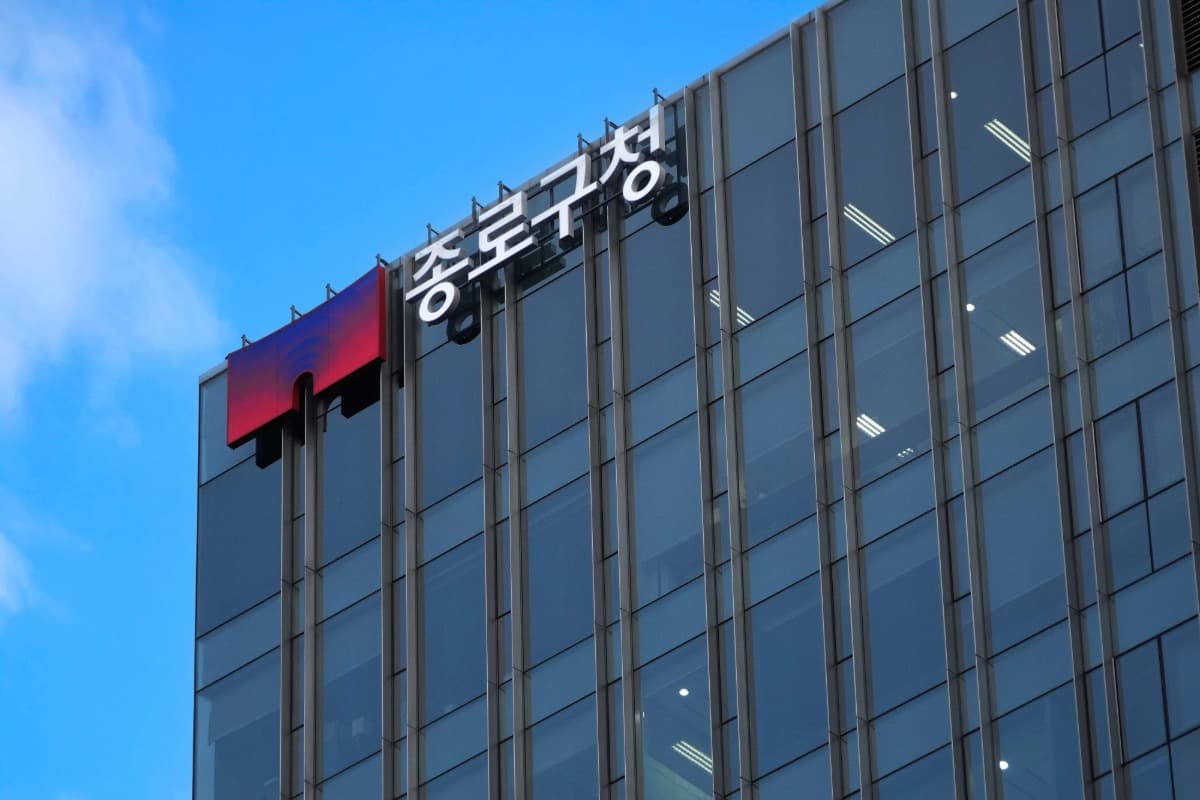
Handling CCTV-related public requests
Staff use BlurMe for CCTV-related public requests, including information disclosure requests. They conceal third-party faces and other personal information before providing footage for viewing or release.
In use · Adopted December 2025
Read the article in Korean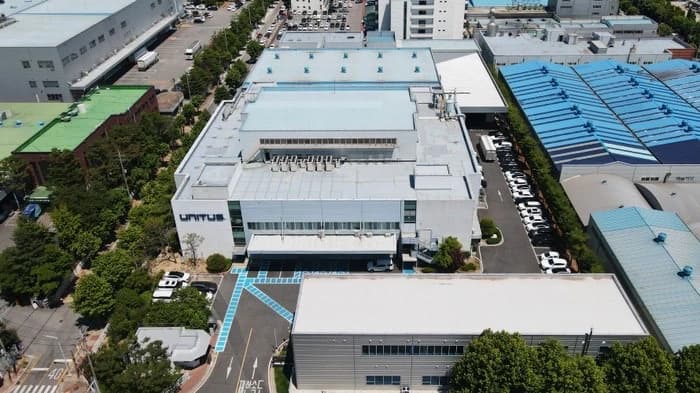
Deployed at 5 business sites
Hyundai AutoEver deployed BlurMe Enterprise for video processing across multiple business sites, where teams conceal personal information before sharing footage.
Customer deployments: BlurMe company overview, August 2026.
For public institutions in South Korea
BlurMe Enterprise version 1.0 holds an Excellent Product designation from South Korea's Public Procurement Service. Discuss a configuration for CCTV requests, footage review and release.
The designation and GS certification apply to the product named above. Confirm the detailed product specifications and applicable purchasing conditions during consultation.
We review the right setup based on your videos and required features.
Review the videos to process, required features and working environment.
Use representative samples to review redaction targets and how to check the results.
If an on-site trial is needed, agree on what to evaluate and how the trial will run.
Agree the deployment, hardware, accounts, integrations and quote.
Deploy the agreed configuration and provide guidance on training and support.
Tell us about the videos you need to process and the features you need. We will recommend a setup for your working environment.