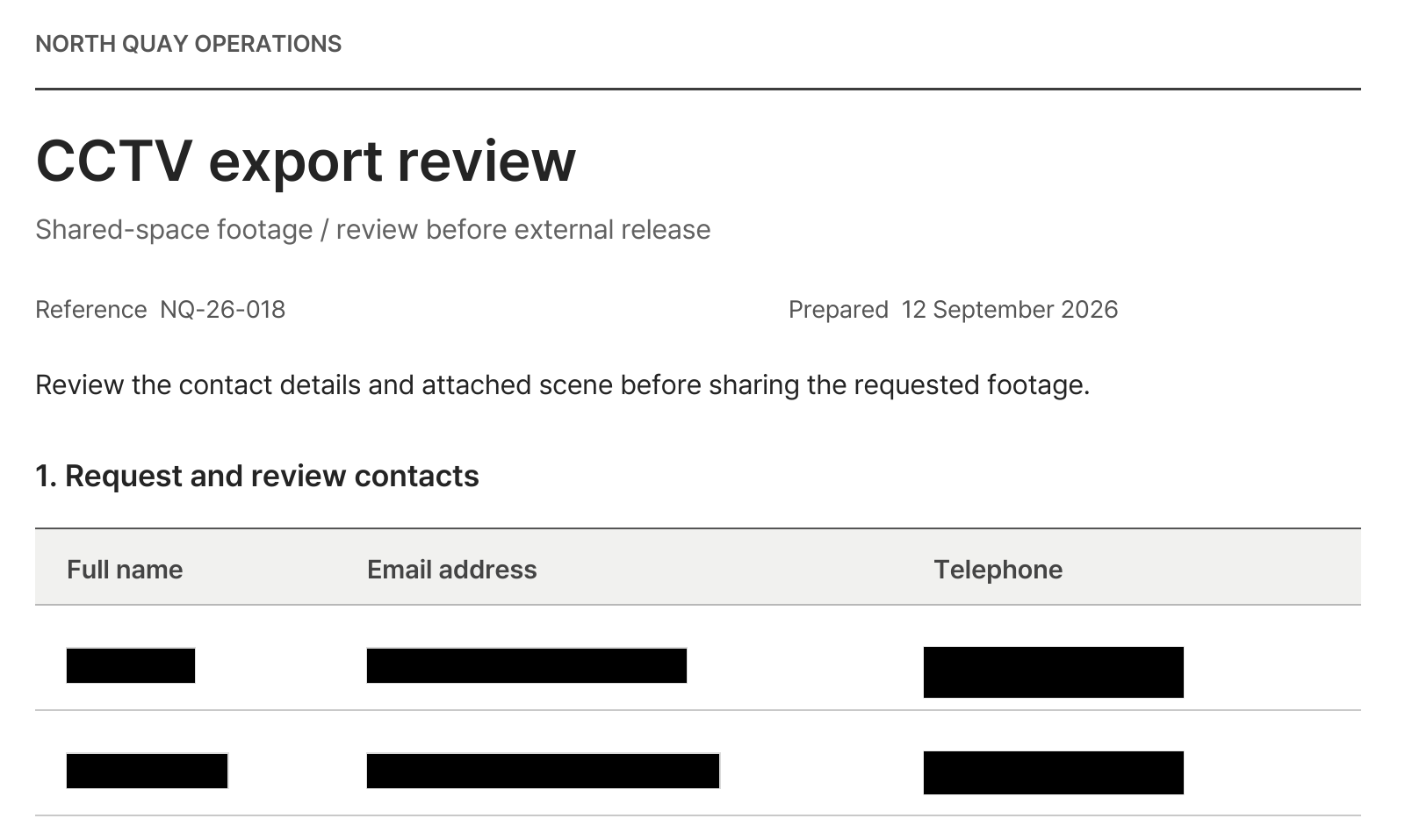
أبقِ المبالغ والمواعيد ظاهرة واحجب بيانات الاتصال.
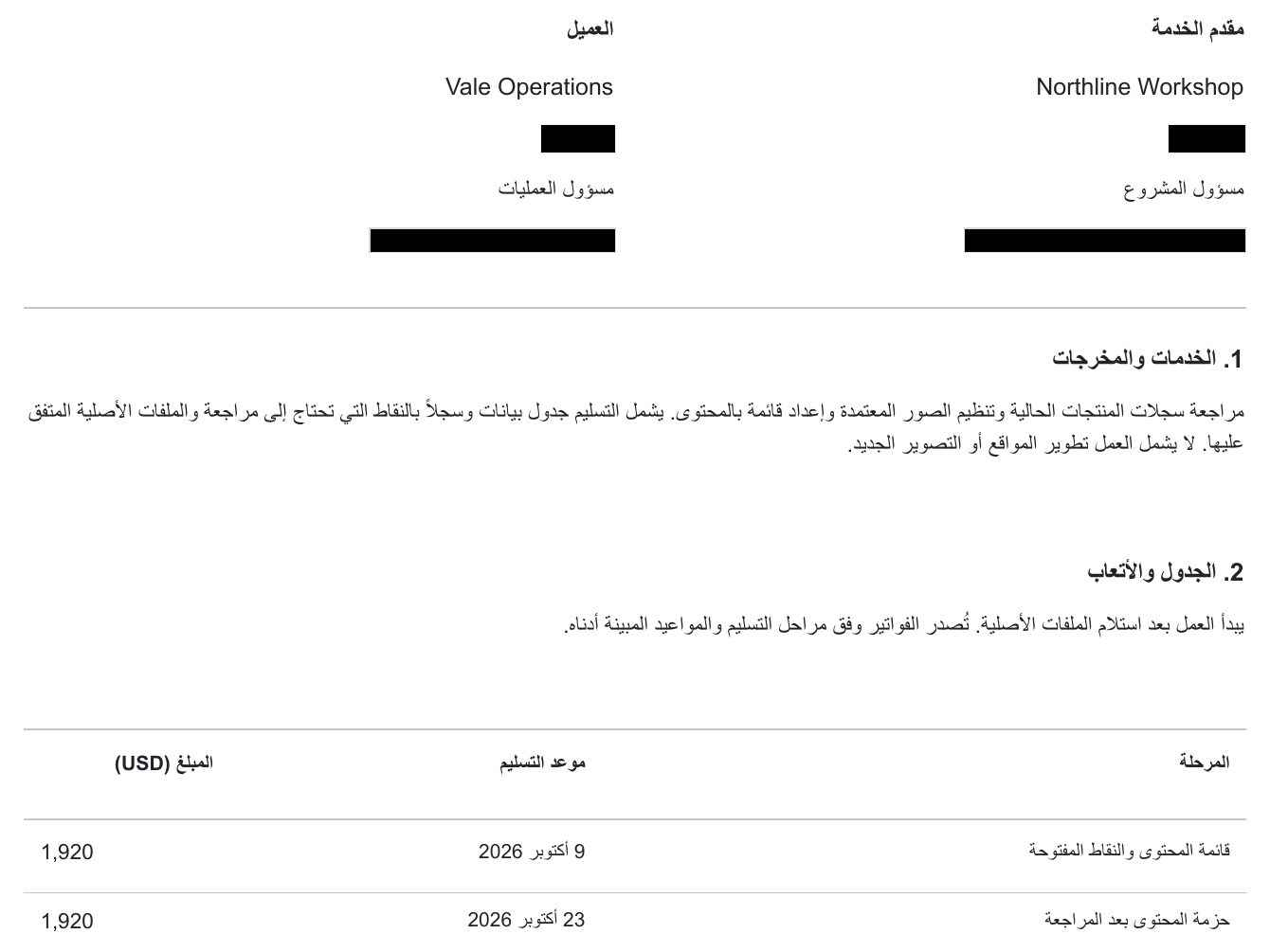
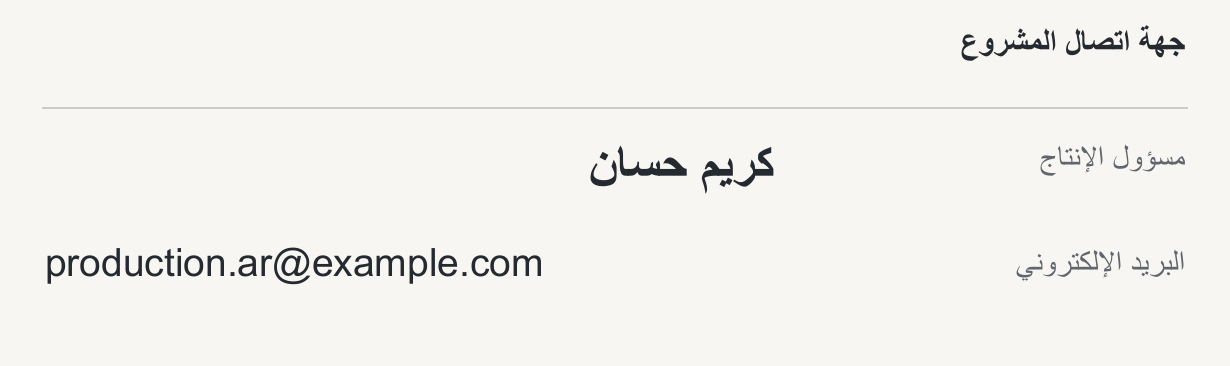
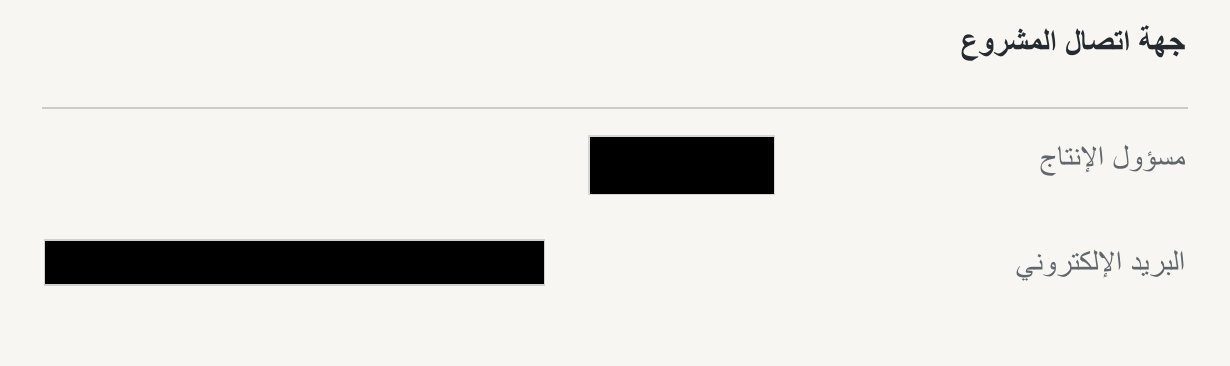
عند مشاركة شروط العقد مع شريك خارجي، أرسل نسخة حُجبت فيها الأسماء وبيانات الاتصال.
- المعلومات المحجوبة
- الأسماء وبيانات الاتصال
- المعلومات الظاهرة
- نطاق العمل والمبالغ والمواعيد
اعثر على البيانات الشخصية في نصوص المستند وصوره. راجع العناصر المكتشفة وأضف المناطق الفائتة ثم نزّل ملف PDF.
انقر على عنصر لإخفائه أو إظهاره.
جارٍ تحميل المستند…
مستند باللغة الإنجليزية
يقرأ كاشفان المستند ويصنفان ما يجدانه بحسب الحساسية، من أرقام الهوية إلى بيانات التواصل والعناوين وتفاصيل الحسابات، مع عرض النص المطابق لكل نتيجة.
تعثر الرؤية الحاسوبية على الوجوه ولوحات المركبات داخل صور المستند، ولكل منها صورة مصغّرة خاصة.

يحلّل التعرّف الضوئي على الحروف (OCR) النصوص في ملفات PDF الممسوحة ضوئيًا. قد تختلف نتائج الكشف حسب وضوح المستند وتخطيطه، لذا راجع كل صفحة وصحّح المناطق التي لم تُكتشف.
راجع العناصر المكتشفة عبر الويب دون محرر PDF منفصل. انتقل إلى الصفحة المعنية، واختر البيانات المطلوب إخفاؤها، وأضف مناطق لما فات الاكتشاف قبل تنزيل ملف PDF.
اختر الأسماء المراد إخفاؤها
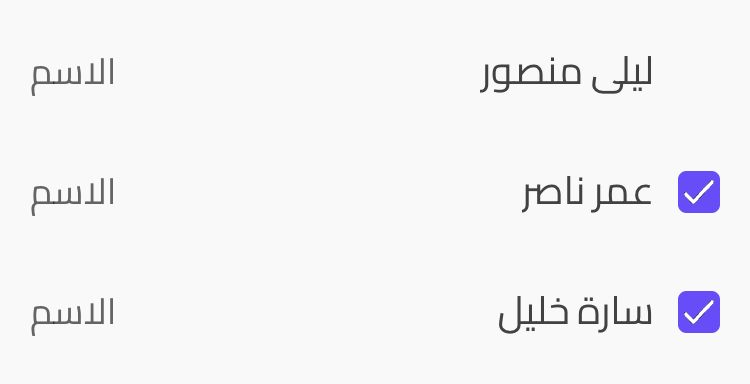
تُخفى الأسماء المحددة فقط
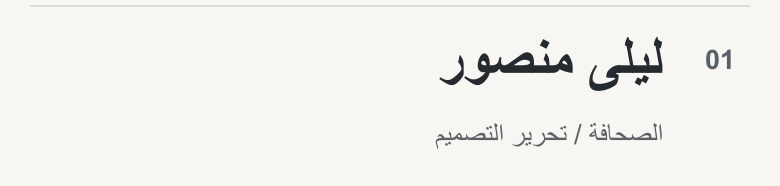
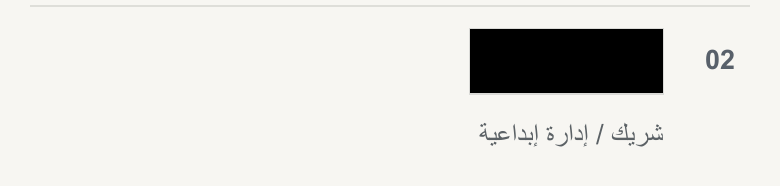
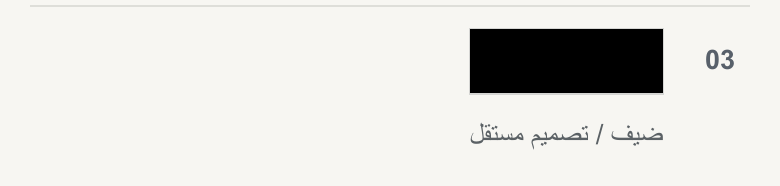
يزيل الإخفاء بلون موحد المحتوى من المنطقة المحددة. أما التمويه والبكسلة فيطبّقان تأثيرات بصرية. يمكن اختيار الأسود أو الأبيض أو الرمادي للون الموحد. راجع ملف PDF المصدَّر قبل مشاركته.
الأصل
النتيجة
عند مشاركة شروط العقد مع شريك خارجي، أرسل نسخة حُجبت فيها الأسماء وبيانات الاتصال.
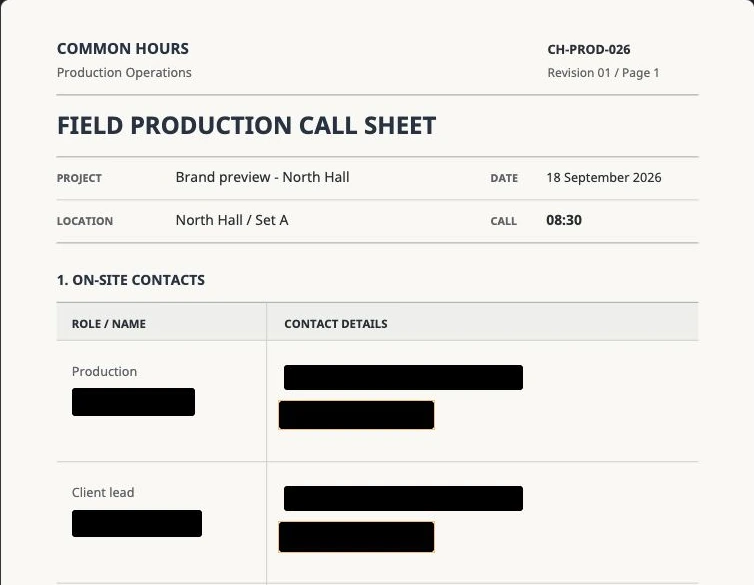
أبقِ الخبرات والمهارات اللازمة للمراجعة وأنشئ نسخة حُجب فيها اسم المتقدم وبيانات الاتصال به.
قبل نقل محادثة الدعم إلى زميل أو فريق آخر، احجب أسماء العملاء وبيانات الاتصال الواردة في المحادثة.
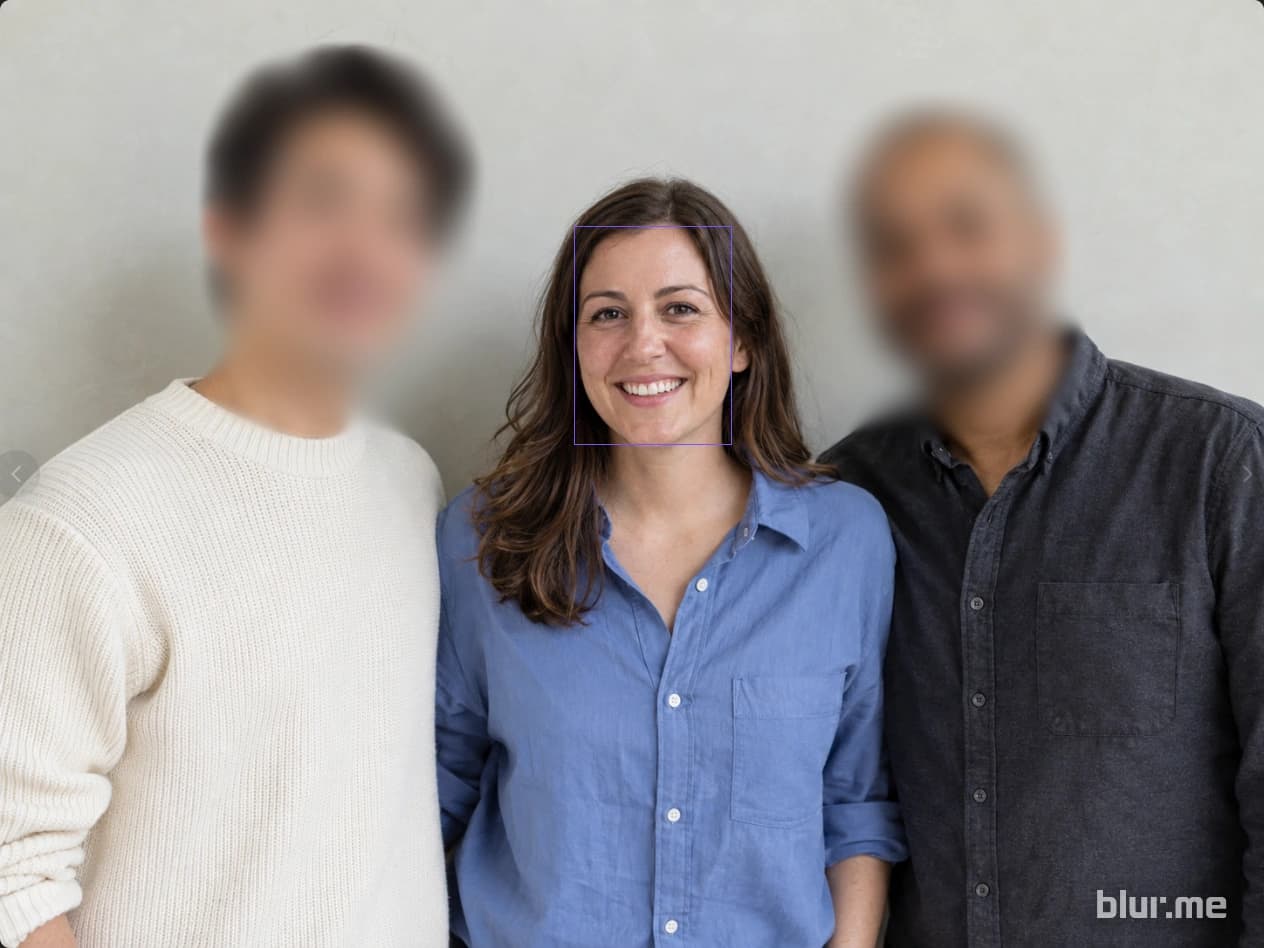


اكتشف الوجوه والأشخاص والمركبات ولوحاتها. اختر ما تريد إخفاءه بالتمويه أو البكسلة أو بلون موحّد.
اكتشف العناصر واتبع حركتها بقناع. شغّل الفيديو وراجع النتيجة وصحّح المناطق الفائتة قبل التصدير.
راجع العناصر المكتشفة والمناطق الإضافية المطلوب إخفاؤها، ثم أنشئ نسخة للمشاركة.