Wykrywaj twarze i tablice rejestracyjne
Znajduj twarze i tablice rejestracyjne na zdjęciach i w filmach. Zastosuj rozmycie, pikselizację lub jednolity kolor do wykrytych obiektów.
Wykrywaj i ukrywaj twarze oraz tablice rejestracyjne na zdjęciach i filmach, a także nazwiska i dane kontaktowe w PDF-ach. Sprawdź wynik, popraw i pobierz.
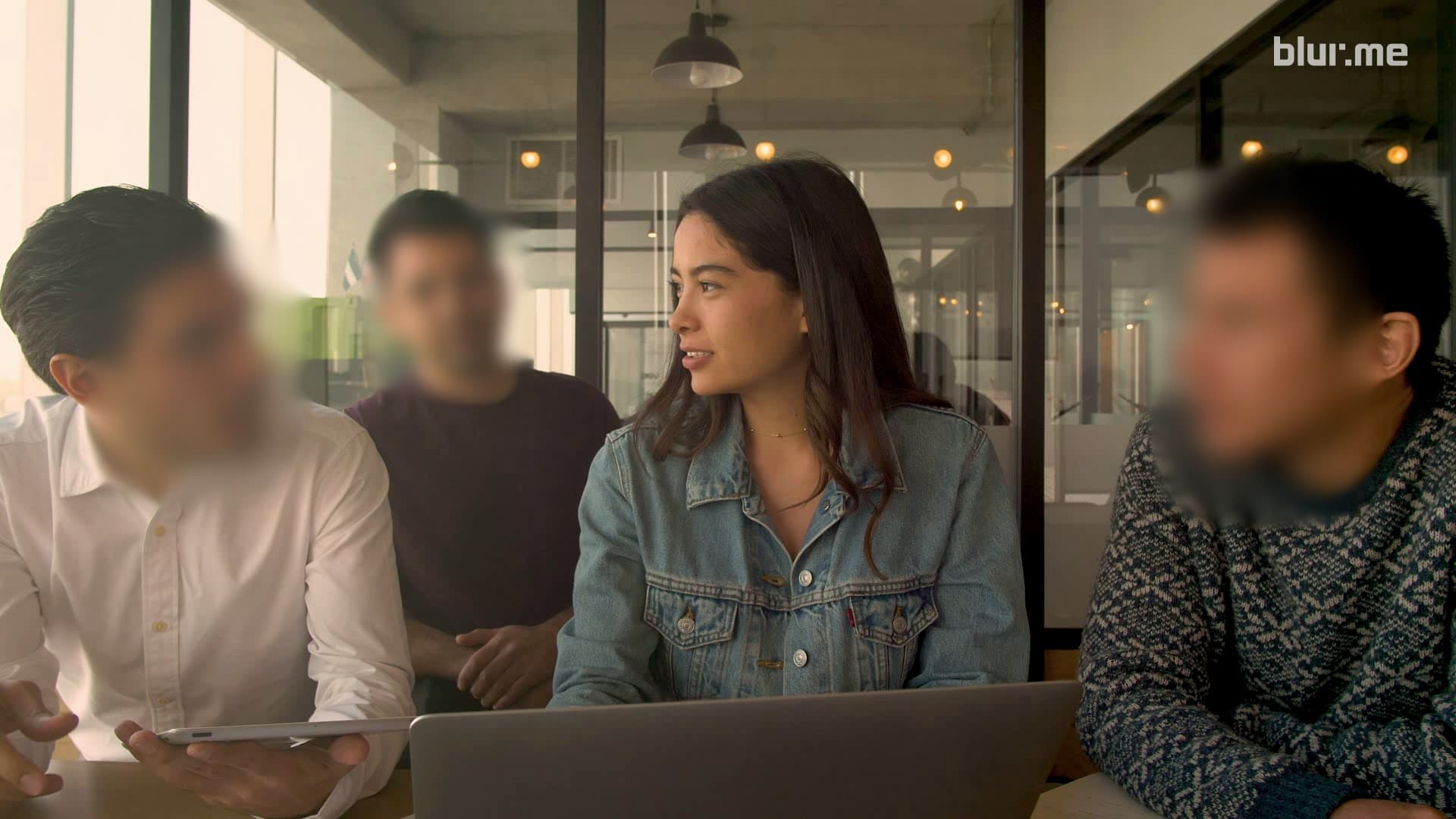
















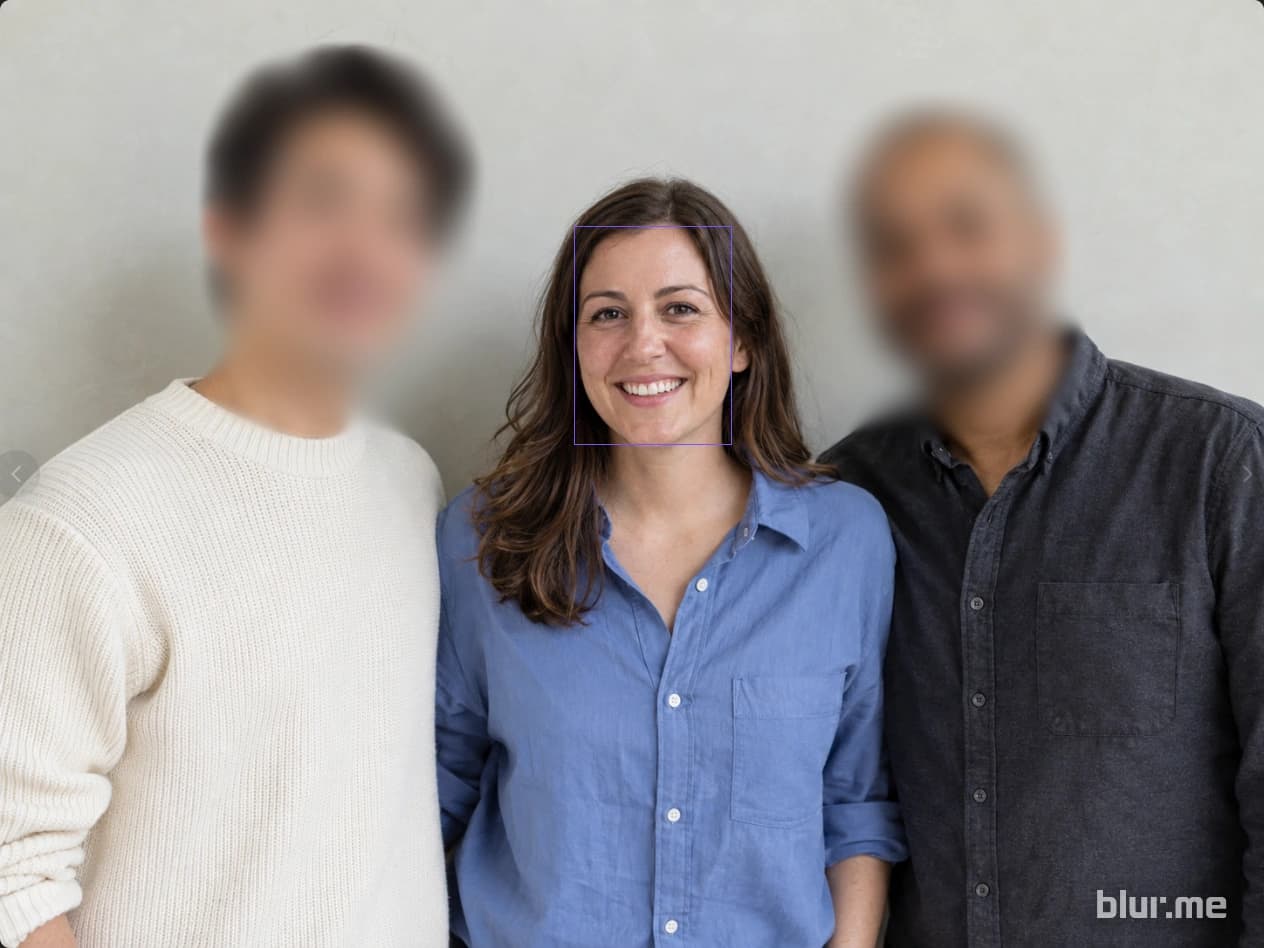


Wykrywaj twarze, osoby, pojazdy i tablice rejestracyjne. Wybierz obszary do rozmycia, pikselizacji lub zakrycia jednolitym kolorem.
Wykrywaj obiekty i śledź ich ruch maską. Odtwórz film i popraw pominięte obszary przed eksportem.
Znajdź dane osobowe w tekście i obrazach. Sprawdź wykryte elementy, dodaj brakujące obszary i pobierz PDF.
Przesyłaj, edytuj i pobieraj pliki w przeglądarce, bez instalowania osobnego edytora ani kupowania wydajnej karty graficznej.
Znajduj twarze i tablice rejestracyjne na zdjęciach i w filmach. Zastosuj rozmycie, pikselizację lub jednolity kolor do wykrytych obiektów.
Wybierz wykryte twarze, które mają pozostać widoczne, i zasłoń twarze osób wokół.
Wykrywaj obiekty i śledź ich ruch maską. Odtwórz film i popraw pominięte obszary przed eksportem.
Kliknij obiekt, aby utworzyć zaznaczenie, a następnie sprawdź je i popraw.
Narysuj obszar na szczegółach wymagających ręcznego wyboru, takich jak identyfikatory z imieniem, ekrany czy logo.
Znajdź dane osobowe w tekście i obrazach. Sprawdź wykryte elementy, dodaj brakujące obszary i pobierz PDF.
Wybierz widoczne twarze, a następnie zmień efekt i jego siłę.
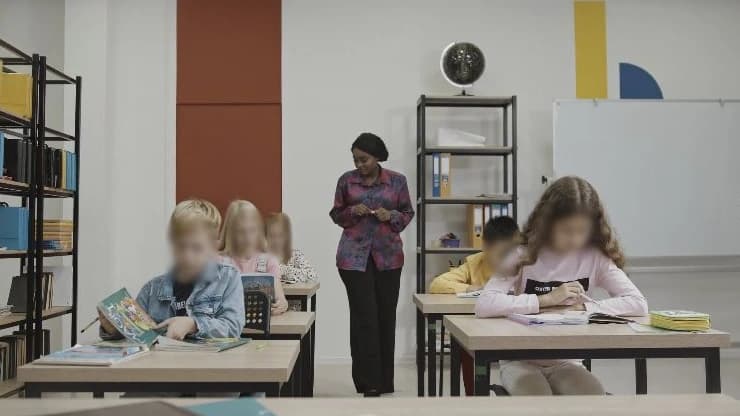
Zakryj twarze uczniów lub uczestników, których nie chcesz pokazywać na zdjęciach z zajęć i wydarzeń. Pozostaw wybrane twarze widoczne i sprawdź wynik przed publikacją.
Więcej o Image Studio
Prześlij nagrania z monitoringu sklepu lub budynku i ukryj twarze oraz tablice rejestracyjne, których nie chcesz pokazywać. Sprawdź wynik, wprowadź potrzebne poprawki i pobierz kopię do udostępnienia poza organizacją.
Więcej o Video Studio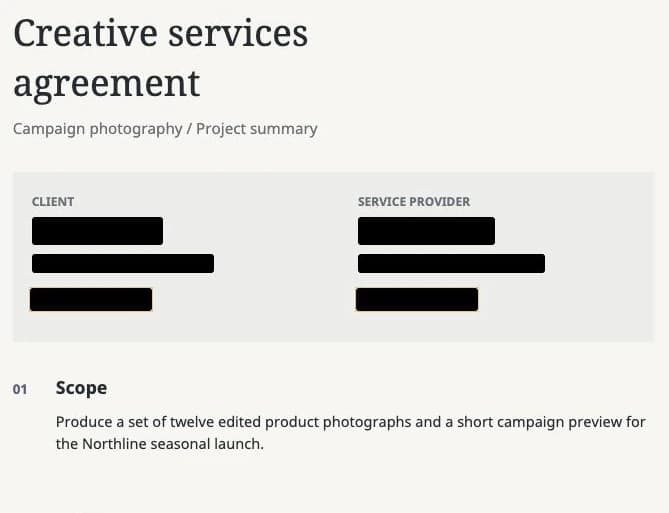
Zakryj imiona, nazwiska i dane kontaktowe przed wysłaniem umów lub raportów. Sprawdź wykryte elementy, dodaj pominięte obszary i pobierz PDF do udostępnienia.
Więcej o PDF StudioZacznij bezpłatnie edytować zdjęcia, filmy i PDF-y. Wybierz plan dopasowany do potrzebnych funkcji i skali pracy.


