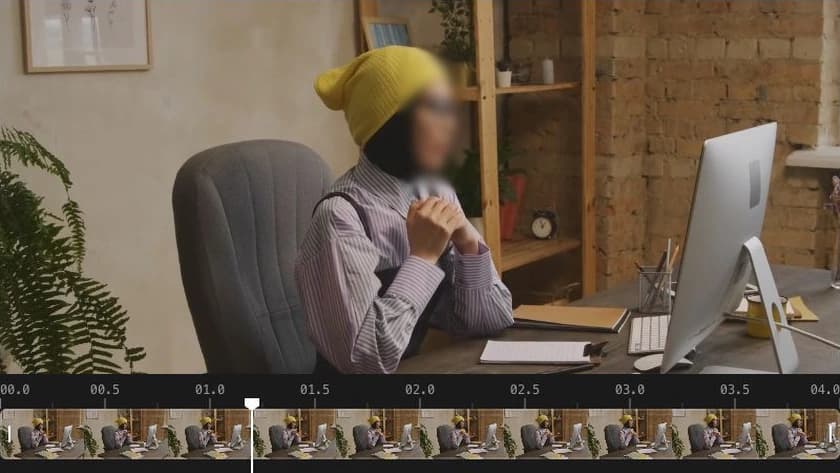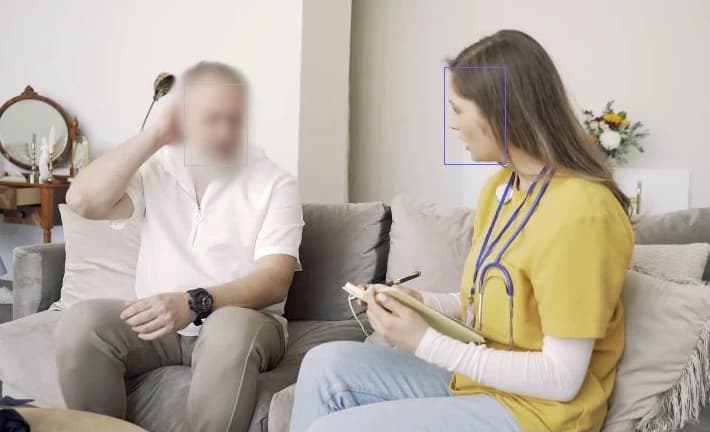
Udostępniaj rozmowy i wywiady
Przed udostępnieniem rozmowy lub wywiadu rozmyj twarze osób, których nie chcesz pokazywać. Pozostaw potrzebne treści widoczne i odtwórz film, aby sprawdzić efekt.
Wykrywaj obiekty i śledź ich ruch maską. Odtwórz film i popraw pominięte obszary przed eksportem.
Kliknij twarz, która ma pozostać widoczna.
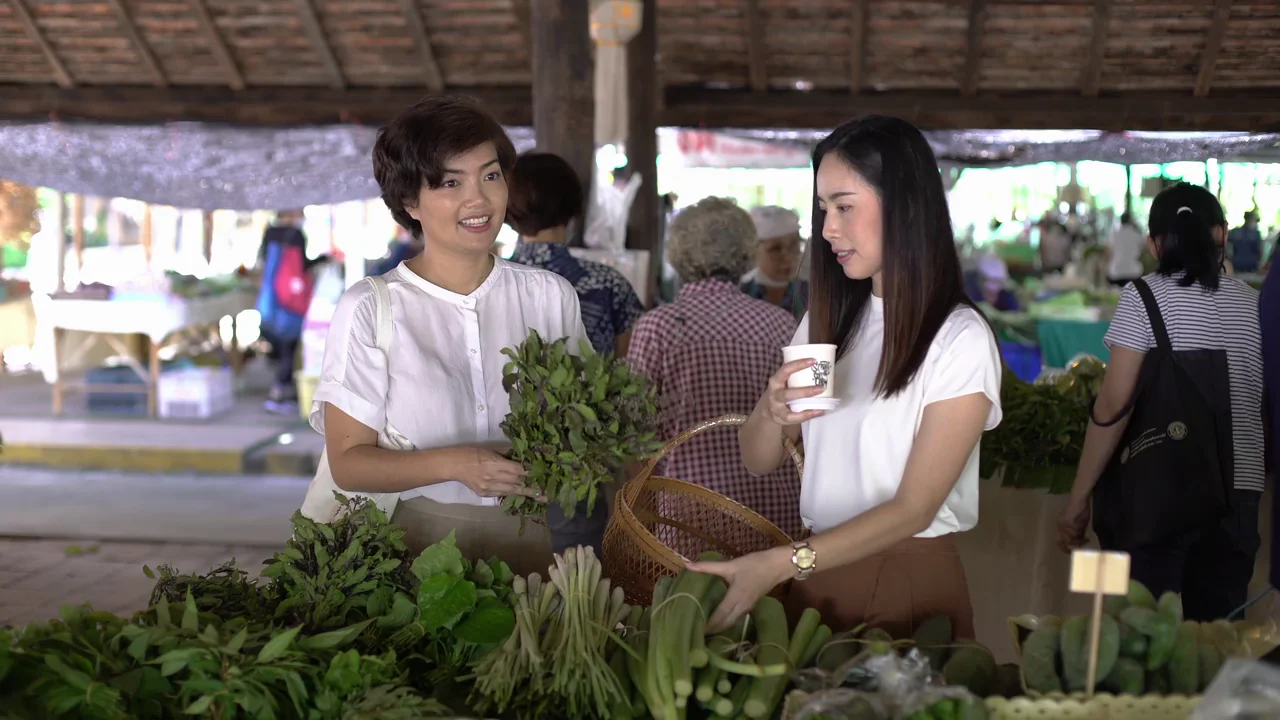
Wykrywaj i śledź twarze oraz tablice w przeglądarce, bez instalowania edytora ani kupowania wydajnej karty graficznej. Wybierz, kto pozostanie widoczny, i sprawdź na osi czasu momenty pojawienia się każdej osoby oraz efekt zamazania.
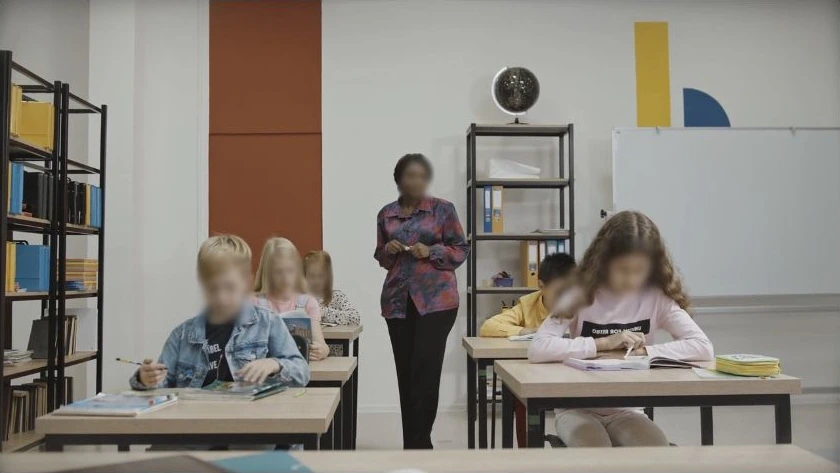
Kliknij obiekt, dopracuj zaznaczenie i wybierz fragment do śledzenia. Odtwórz wynik, sprawdź ruch i popraw sceny, które tego wymagają.
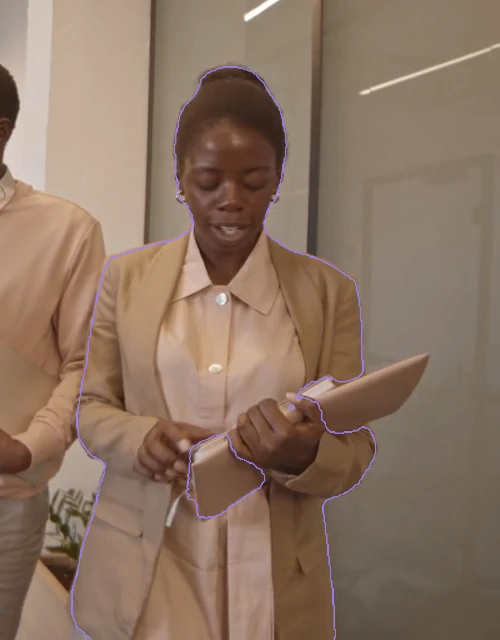
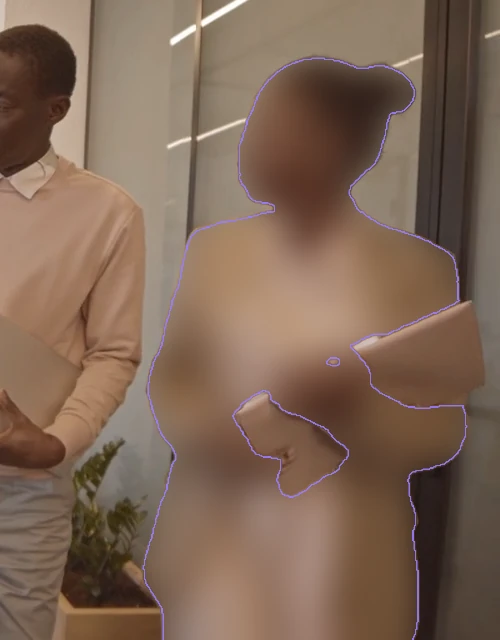
Jeden rozmyj, drugi spikselizuj, trzeci zakryj — każdy śledzony obiekt zachowuje swój efekt i siłę przez cały film.
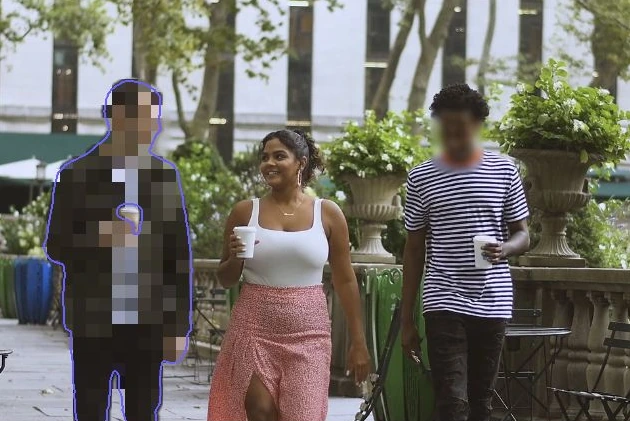
Zamaskuj wszystko wokół obiektu jednym przełącznikiem, a potem odsłoń tylko te obiekty, które mają pozostać widoczne.

Narysuj obszar na elemencie, który chcesz zasłonić, i rozpocznij śledzenie. Sprawdź ruch, popraw położenie i rozmiar lub ponów śledzenie od wybranego momentu.

Narysuj obszar, śledź automatycznie, popraw położenie i rozmiar, a następnie ponów śledzenie od wybranego momentu
Przed udostępnieniem rozmowy lub wywiadu rozmyj twarze osób, których nie chcesz pokazywać. Pozostaw potrzebne treści widoczne i odtwórz film, aby sprawdzić efekt.
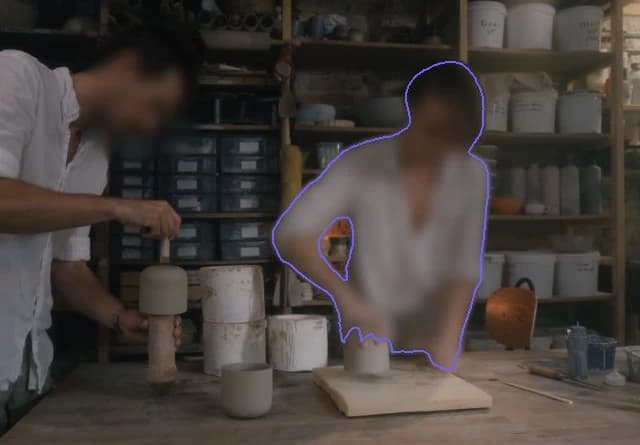
Zasłoń pracowników, gdy publikujesz filmy z procesu produkcji lub miejsca pracy. Rozmyj twarz i ciało wybranej osoby zgodnie z jej konturem, a następnie sprawdź efekt podczas ruchu.
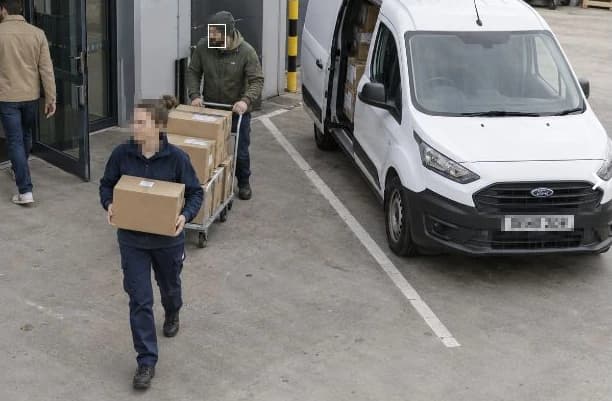
Przed udostępnieniem nagrania sprawdź osoby i tablice, które powinny pozostać ukryte. Zakryj odpowiednie fragmenty, sprawdź wynik i postępuj zgodnie z procedurą organizacji.
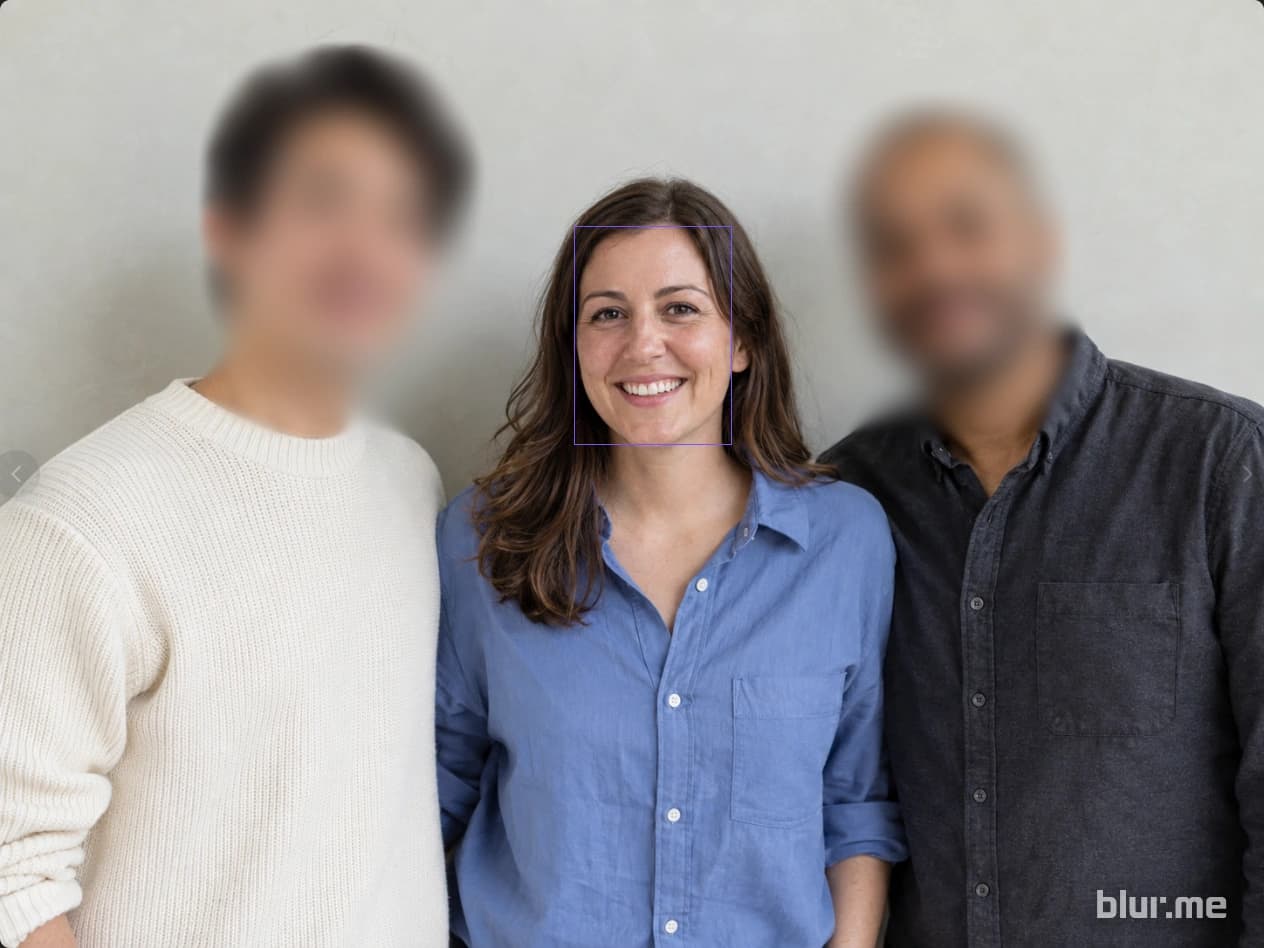
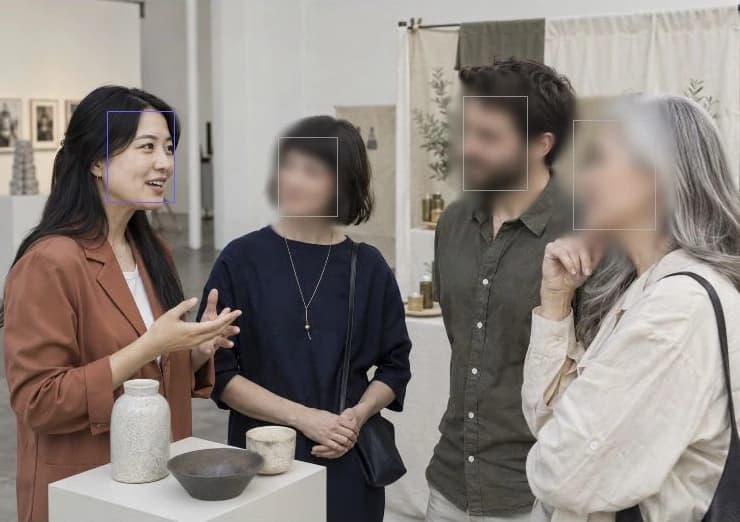

Wykrywaj twarze, osoby, pojazdy i tablice rejestracyjne. Wybierz obszary do rozmycia, pikselizacji lub zakrycia jednolitym kolorem.
Znajdź dane osobowe w tekście i obrazach. Sprawdź wykryte elementy, dodaj brakujące obszary i pobierz PDF.
Zakryj twarze i tablice rejestracyjne, a następnie odtwórz film i popraw fragmenty wymagające uwagi.