BLURME IMAGE STUDIO

Blur photos automatically. AI finds the faces, you click the rest.

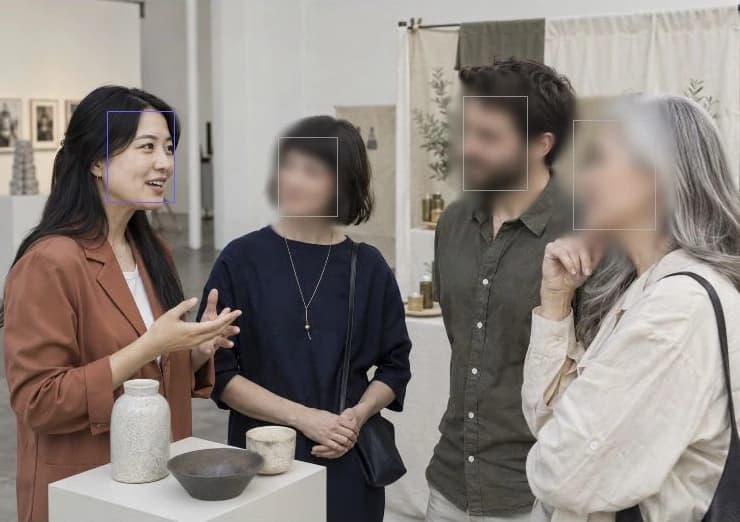
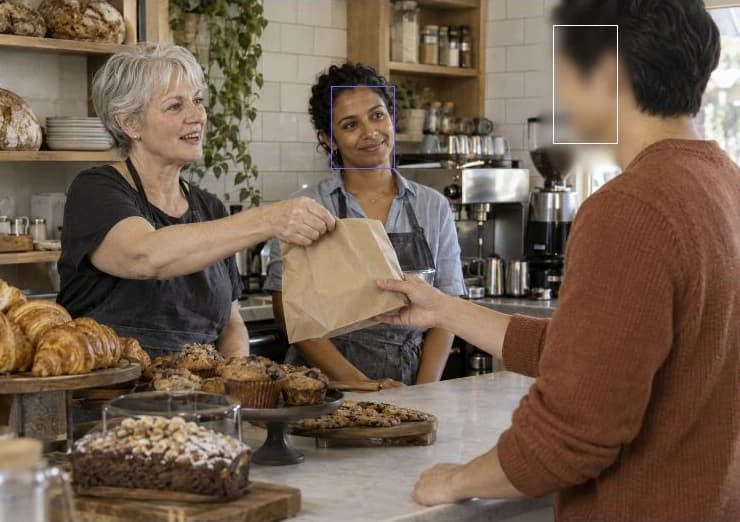
Auto Blur covers faces, people, vehicles, and plates in one pass. Click anything else to mask it, or take out the background entirely.

Nothing to install · No sign-up to try

JPGPNGWebPHEICUp to 4K

Auto Blur

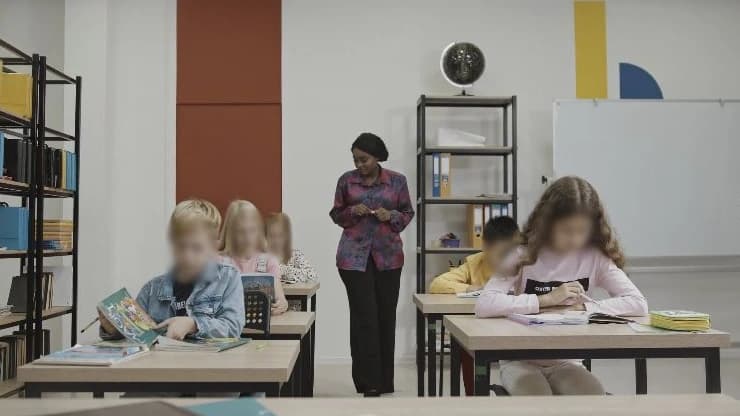
Faces, people, vehicles, and license plates — detected and masked in a single pass, each as a reviewable target.

Bulk upload and download

Upload a whole batch at once, let detection run across every photo, and download the results together in one export.

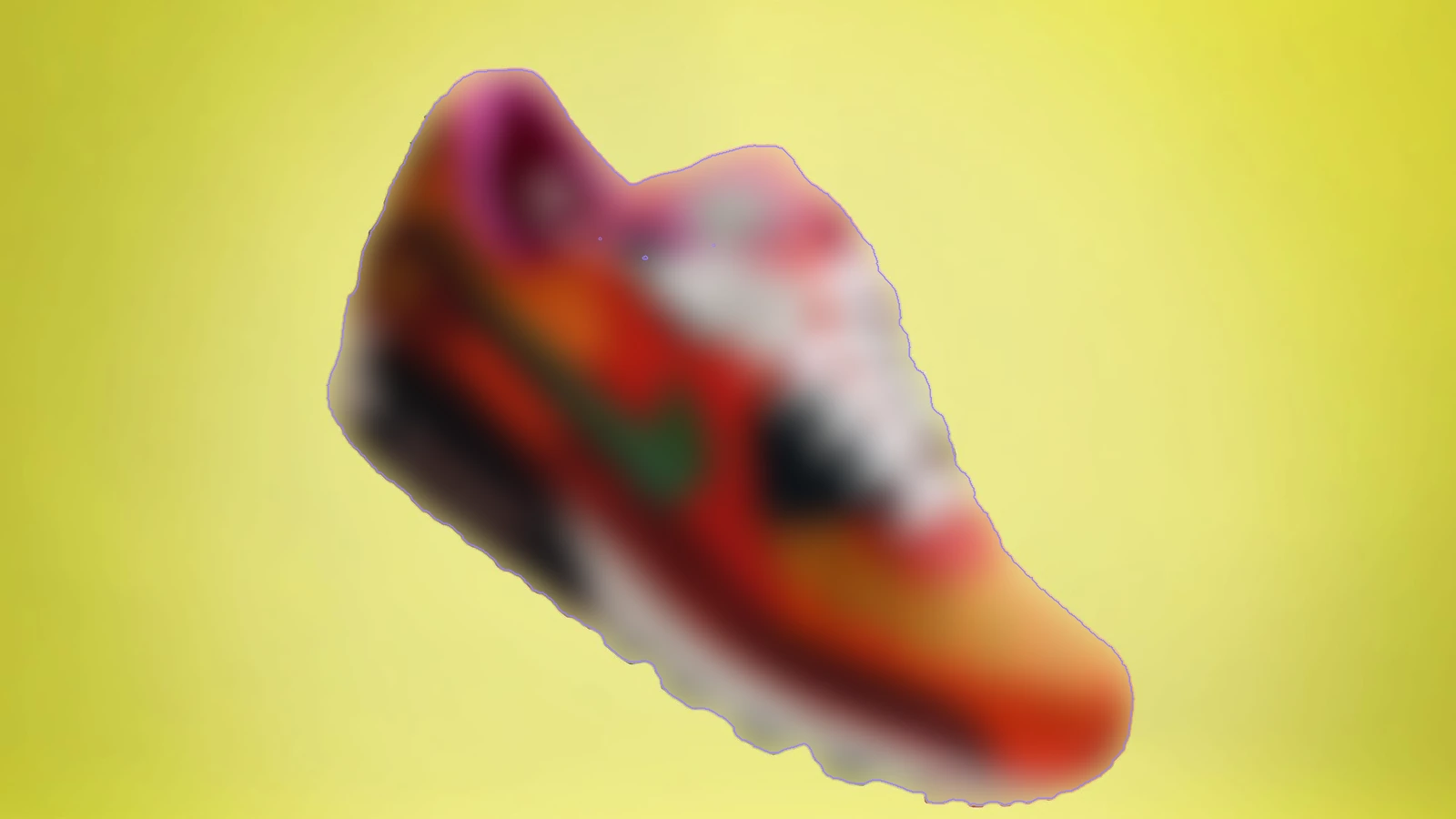
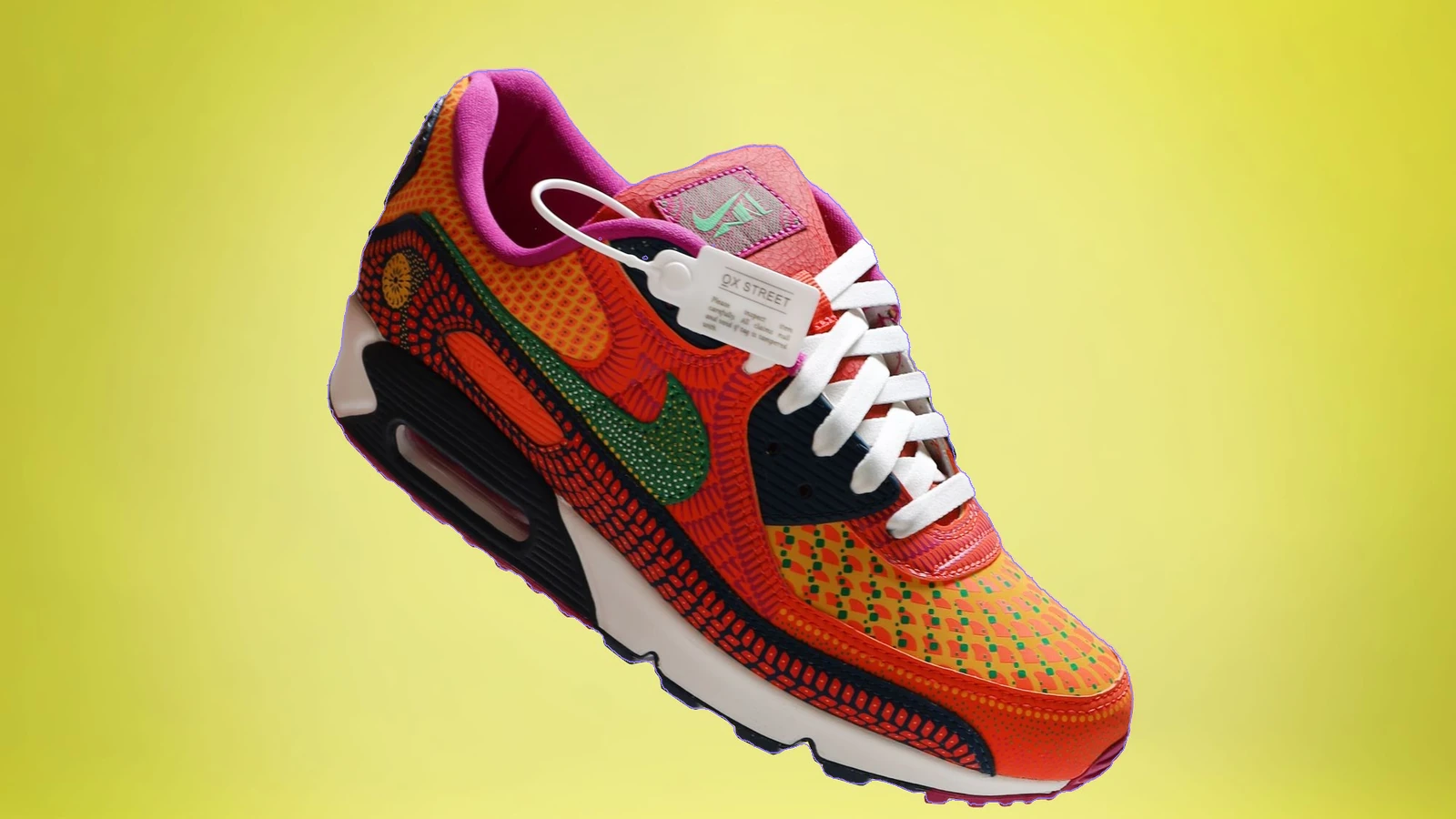
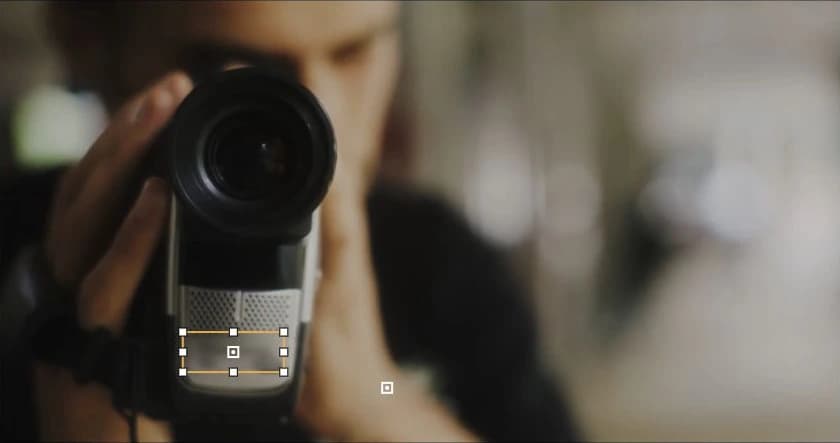
Click anything with Magic Blur

Point at any object — a phone, a badge, a screen — and it becomes a precise mask target. No box-drawing needed.

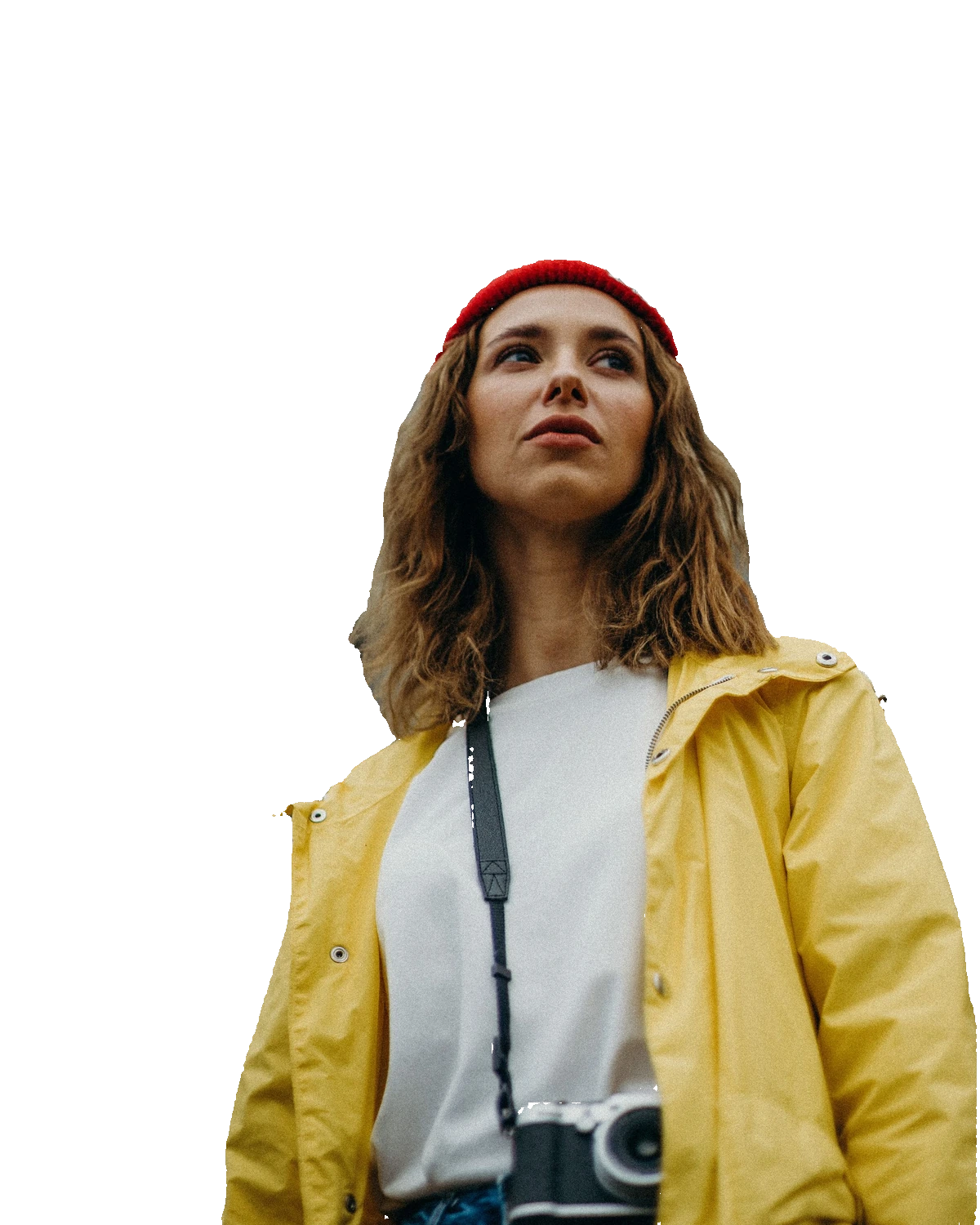
Background Blur & removal

Keep your subject and blur everything around it — or use background magic blur to remove the background entirely.

Per-target effects

Blur one target, pixelate another, cover a third — every target keeps its own effect and strength.

Review and export in original quality

Toggle every target between mask and keep, then export as PNG, JPG, or WebP at the original resolution.

USE CASES

Where teams use BlurMe

Creator contentEvent photosListingsResearch datasets
ONE PLATFORM, THREE STUDIOS

Explore the other BlurMe studios

Video Studio

Track moving subjects, keep only who you choose, and fine-tune frame by frame.

PDF StudioNEW

Detect names, contacts, faces, and sensitive info — review and mask item by item.

Frequently asked questions

Yes. Magic selection lets you point at any object to mask it precisely, and you can still draw manual regions anywhere.

Protect a photo without hiding what matters.

Image · Video · PDF · Nothing to install · No sign-up to try