Convert AVIF to PNG
Decode still AVIF images into PNG files while preserving transparency and the decoded pixel dimensions.
- Free
- No sign-up
- No file upload
Example result
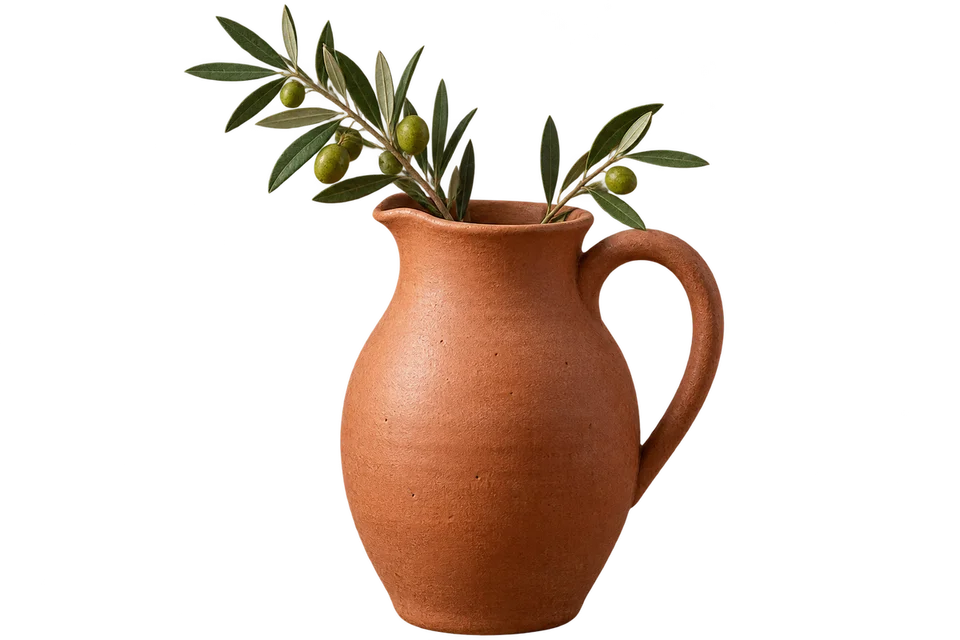
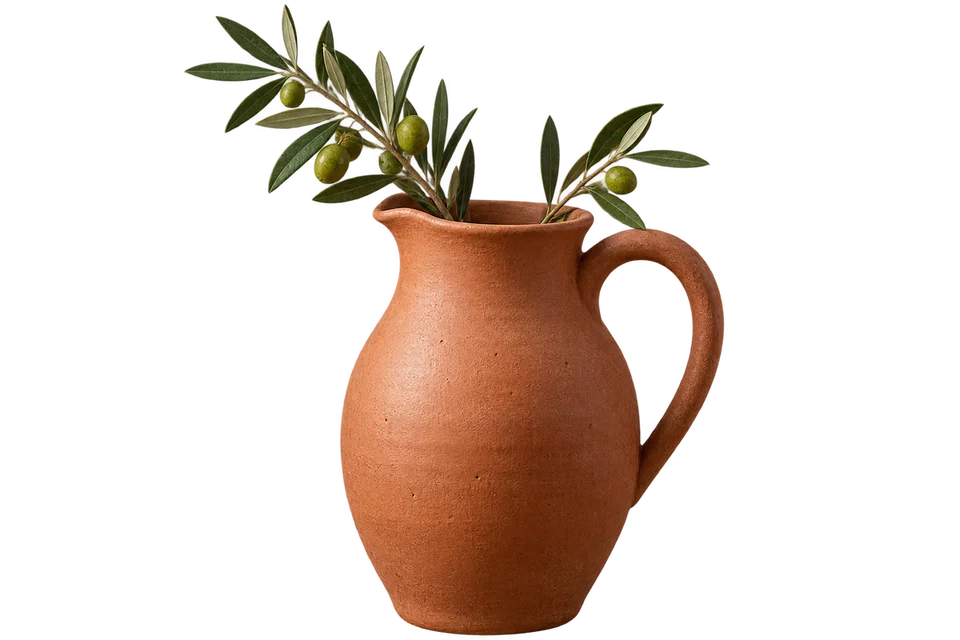 AVIF
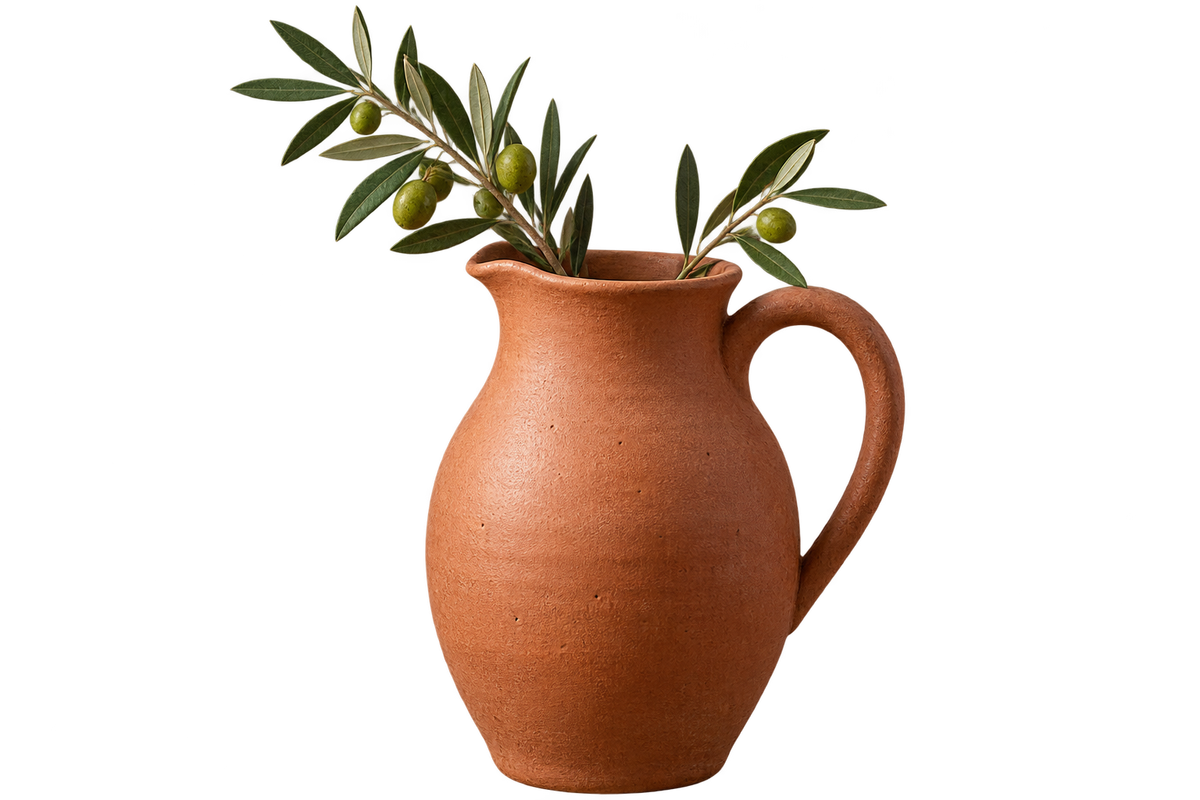
 PNG
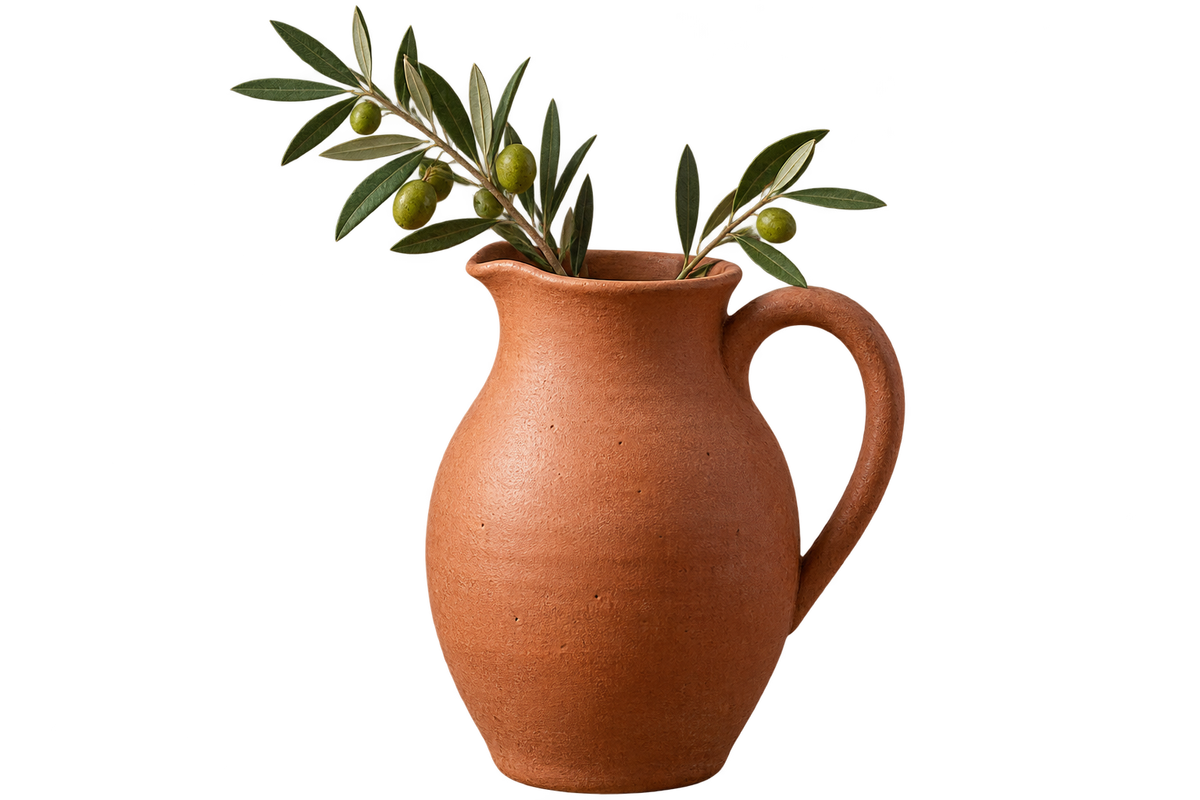
Save an AVIF graphic with its transparent edges
Choose your still AVIF images.
Convert them. Transparency stays, and there is nothing to set.
Download the PNGs.
PNG for further editing and compositing
PNG keeps the transparent area around an object, so you can place it on any background. Even if a viewer shows white, the PNG still has its transparency.
PNG often takes more space than AVIF, especially for photos. The output is an 8-bit decoded image, so this conversion is not an archival method for preserving HDR source data.
Frequently asked questions
Related tools
All toolsImage converter
Turn mixed image formats into one chosen format.
Compress PNG
Optimize a PNG without changing its pixels or transparency.
PNG → PDF
Put PNG images into a PDF for sharing or printing.
AVIF → JPG
Make AVIF photos usable as JPG files.
Blur License Plates
Edit in StudioAutomatically blur license plates in photos and videos.
Compress JPG
Reduce JPG file size for an upload or email attachment.