Detect faces and license plates
Find faces and license plates in photos and videos. Apply blur, pixelation or a solid cover to the detected subjects.
Find and hide faces and plates in photos and videos, and names and contact details in PDFs. Review the results, make adjustments, and download.


















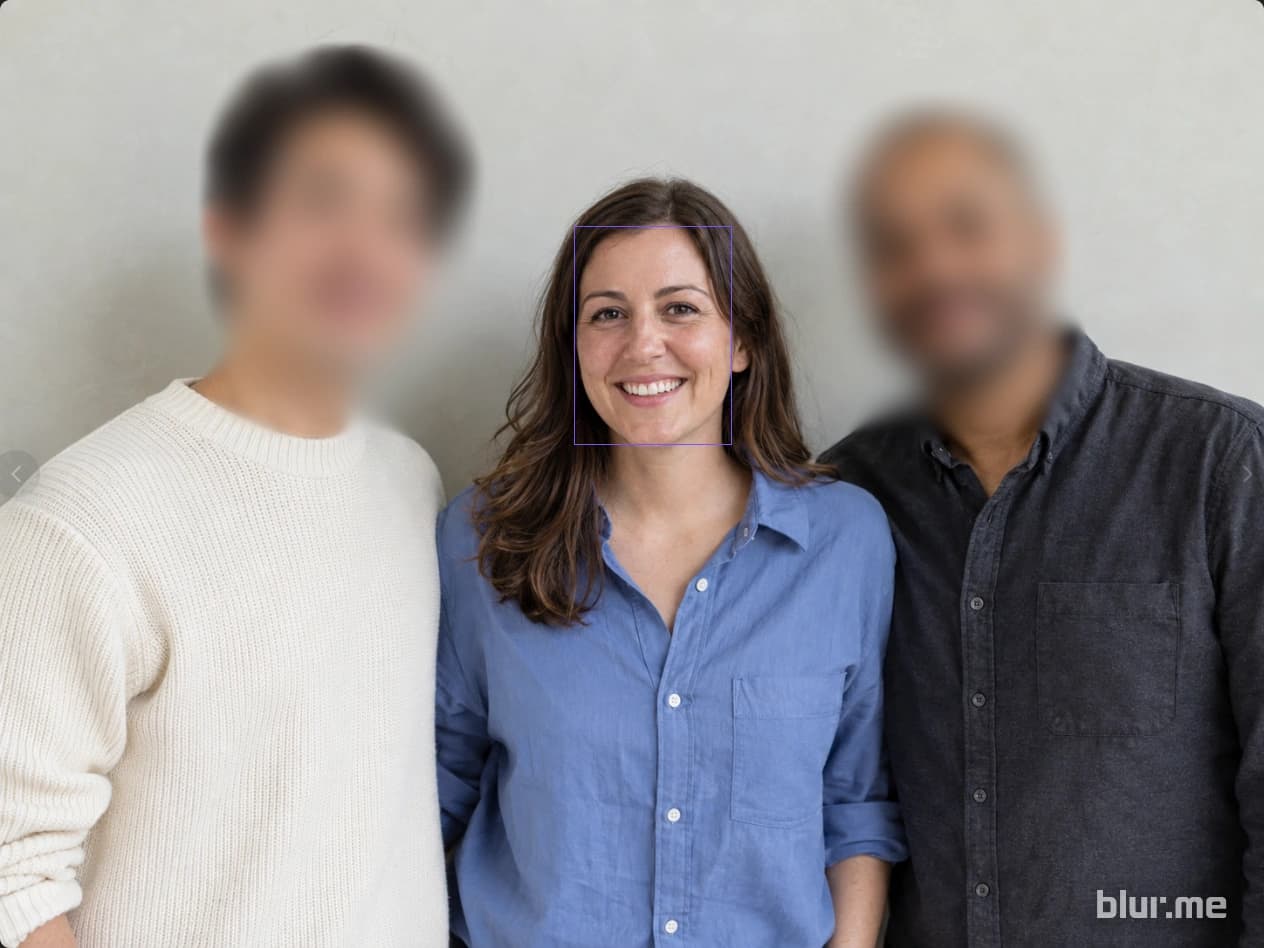


Detect faces, people, vehicles, and license plates in your photos. Choose what to hide with blur, pixelation, or a solid cover.
Detect subjects and follow their movement with a mask. Play back the result and adjust any missed areas before exporting.
Find personal data in document text and images. Review the detections, add any missing areas, and download the redacted PDF.
Upload, edit and download in your browser, without installing a separate editor or buying a high-end GPU.
Find faces and license plates in photos and videos. Apply blur, pixelation or a solid cover to the detected subjects.
Choose which detected faces to keep visible and cover the people around them.
Detect subjects and follow their movement with a mask. Play back the result and adjust any missed areas before exporting.
Click an object to create a selection, then review and refine it.
Draw over details you need to select yourself, such as name badges, screens or logos.
Find personal data in document text and images. Review the detections, add any missing areas, and download the redacted PDF.
Choose which faces stay visible, then change the effect and its strength.

Hide the faces of students or participants you don't want to show in class and event photos. Keep selected faces visible, then review the result before posting.
More about Image Studio
Upload recordings from store or building security cameras and hide faces and license plates you don't want to share. Review the results, make any needed edits, and download a copy to share externally.
More about Video Studio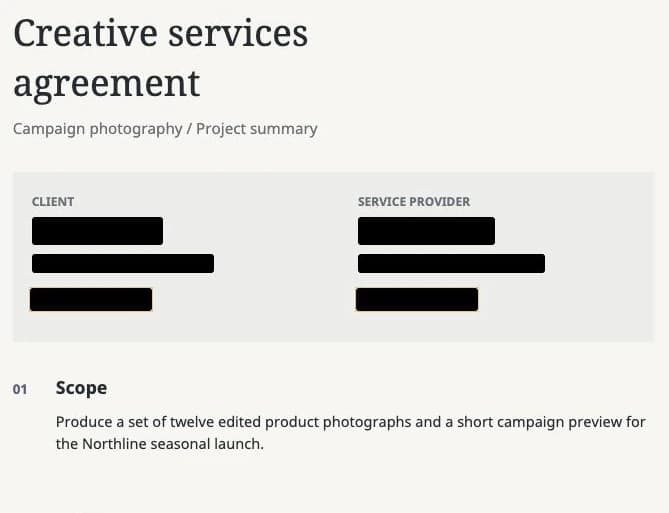
Hide names and contact details before sending contracts or reports. Review detected items, add any missing areas, and download the PDF for sharing.
More about PDF StudioStart editing photos, videos, and PDFs for free, then choose a plan for the features and usage you need.


