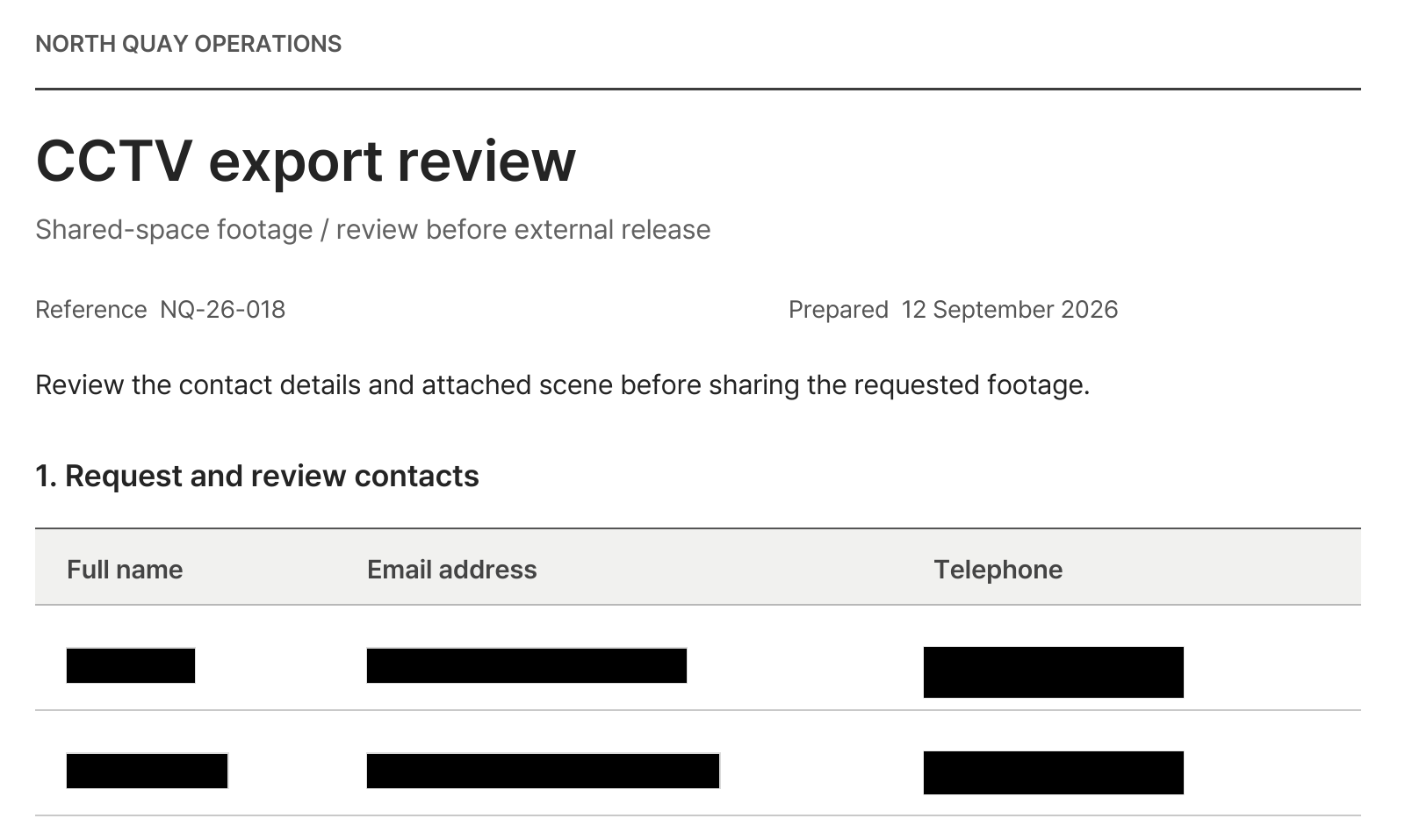
Keep amounts and deadlines visible. Redact contact details.
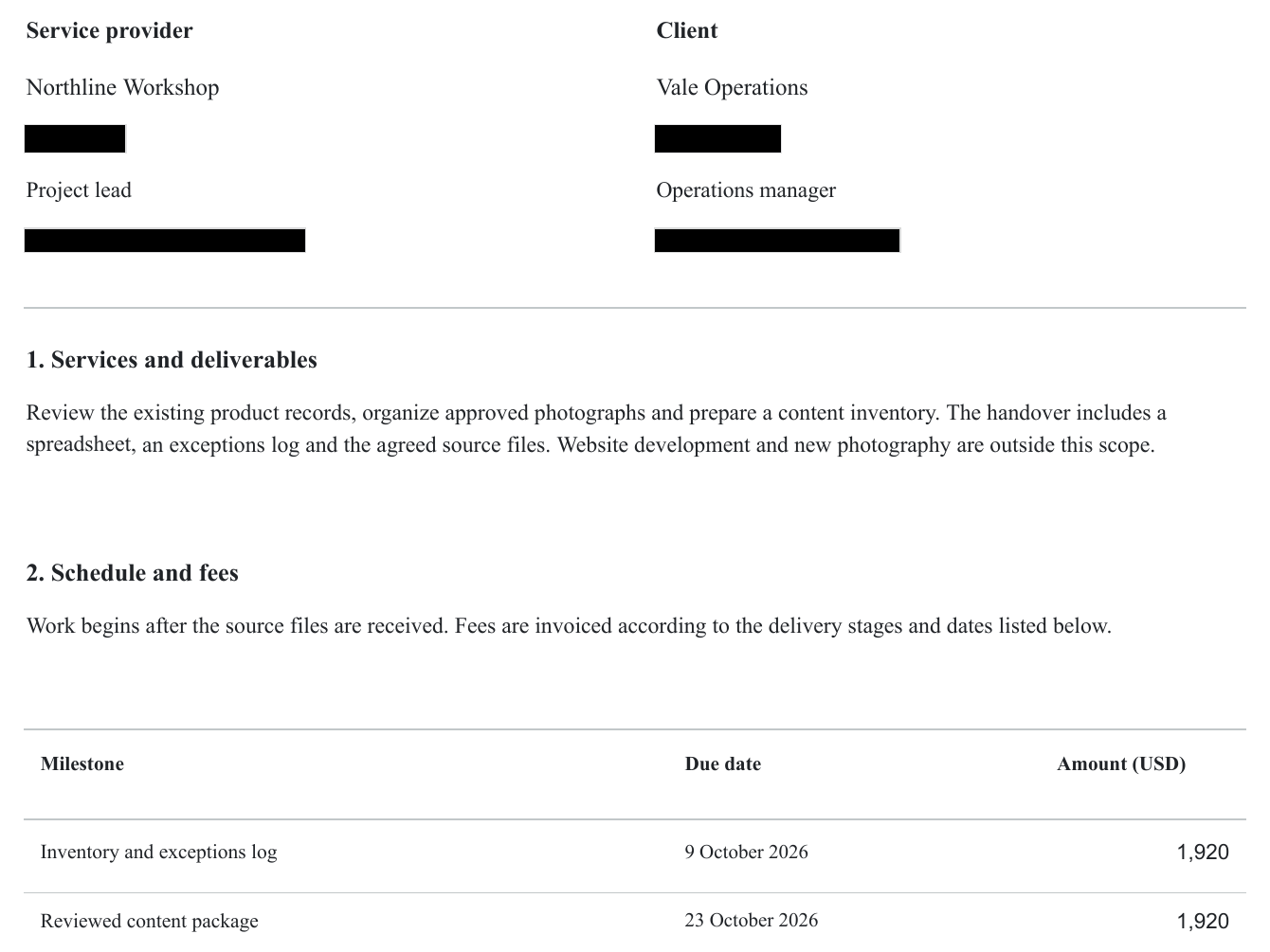
When sharing contract terms with an external partner, send a copy with names and contact details redacted.
- Redact
- Names and contact details
- Keep visible
- Scope of work, amounts and deadlines
Find personal data in document text and images. Review the detections, add any missing areas, and download the redacted PDF.
Click an item to hide or reveal it.
Loading document…
Two detectors read the document and classify what they find by sensitivity, from national IDs to contacts, addresses, and account details, each shown with its matched text.
Vision detection finds faces and license plates embedded in document images, each with its own thumbnail.

OCR analyzes text in scanned PDFs. Detection results can vary with document clarity and layout, so review each page and correct any missed areas.
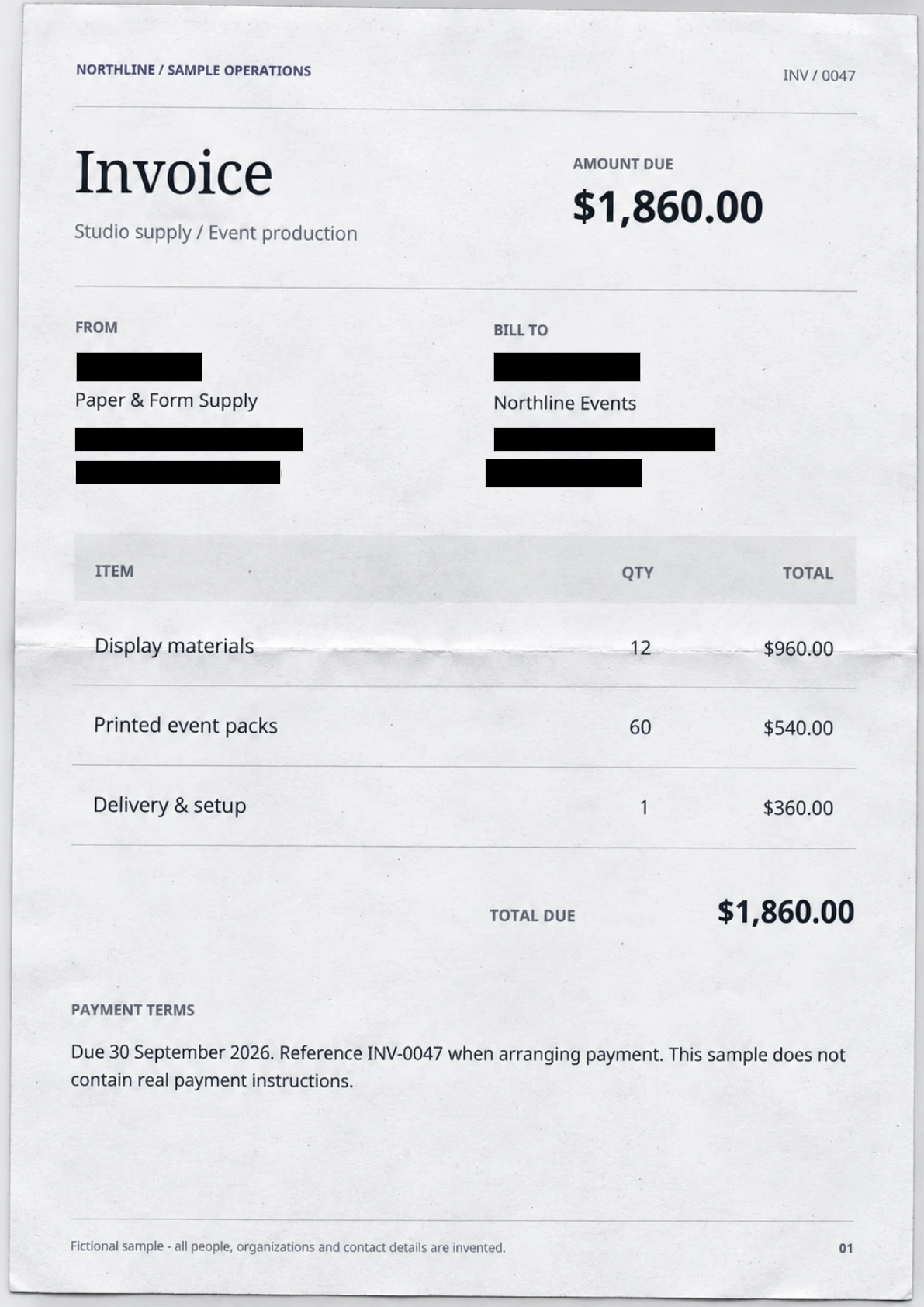
Review detected items on the web without a separate PDF editor. Jump to the relevant page, choose what to hide and add regions for anything missed before downloading the PDF.
Choose names to hide
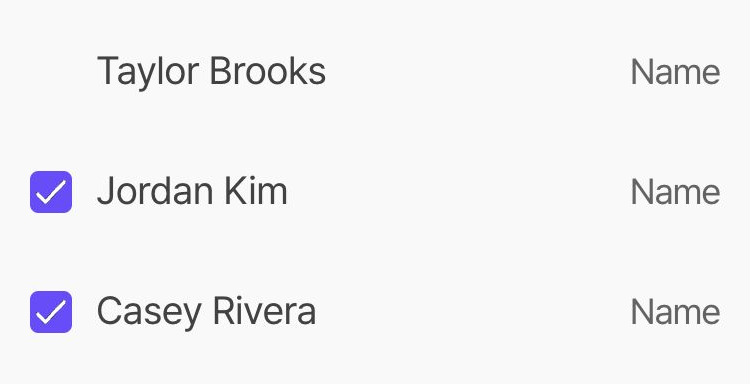
Only checked names are hidden
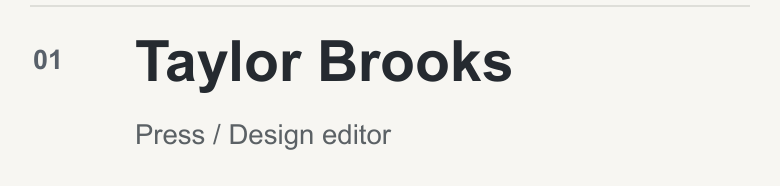
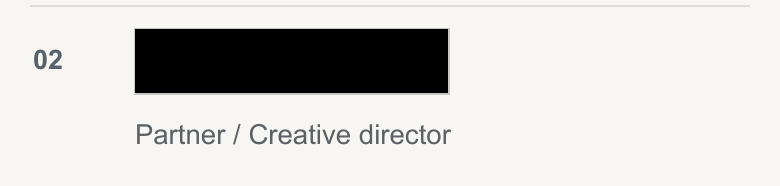
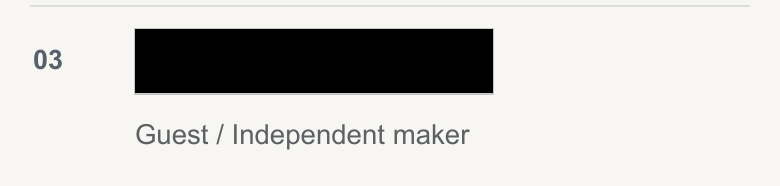
Solid redaction removes content in the selected area. Blur and pixelation apply visual effects. Solid fills are available in black, white or gray. Review the exported PDF before sharing.
Original
Result
When sharing contract terms with an external partner, send a copy with names and contact details redacted.
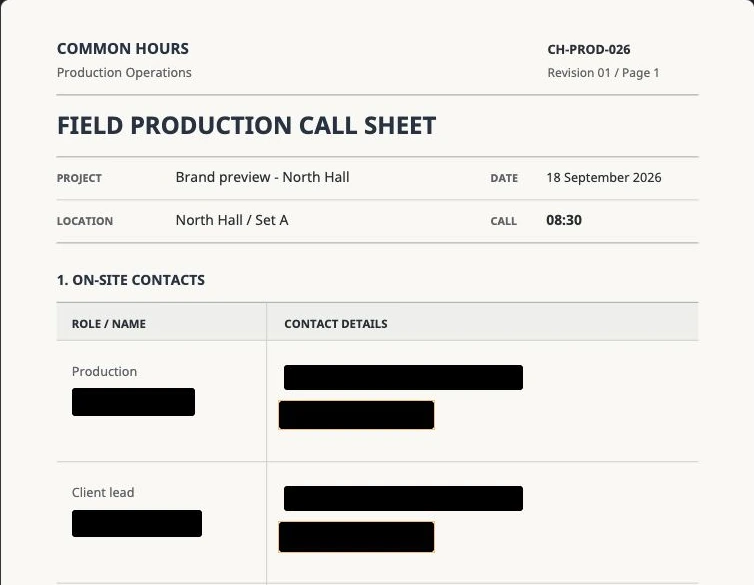
Keep the experience and skills needed for the review, and create a copy with the applicant’s name and contact details redacted.
When passing a support conversation to another colleague or team, redact customer names and contact details before sharing.



Detect faces, people, vehicles, and license plates in your photos. Choose what to hide with blur, pixelation, or a solid cover.
Detect subjects and follow their movement with a mask. Play back the result and adjust any missed areas before exporting.
Review detected items and any extra areas to hide, then create a copy to share.