DOCX to text
Extract the written content of a DOCX file as UTF-8 text.
Legacy, password-protected and macro-enabled documents are not supported.
- Free
- No sign-up
- No file upload
Example result
 DOCX
An unhurried weekend

Two days by the coast


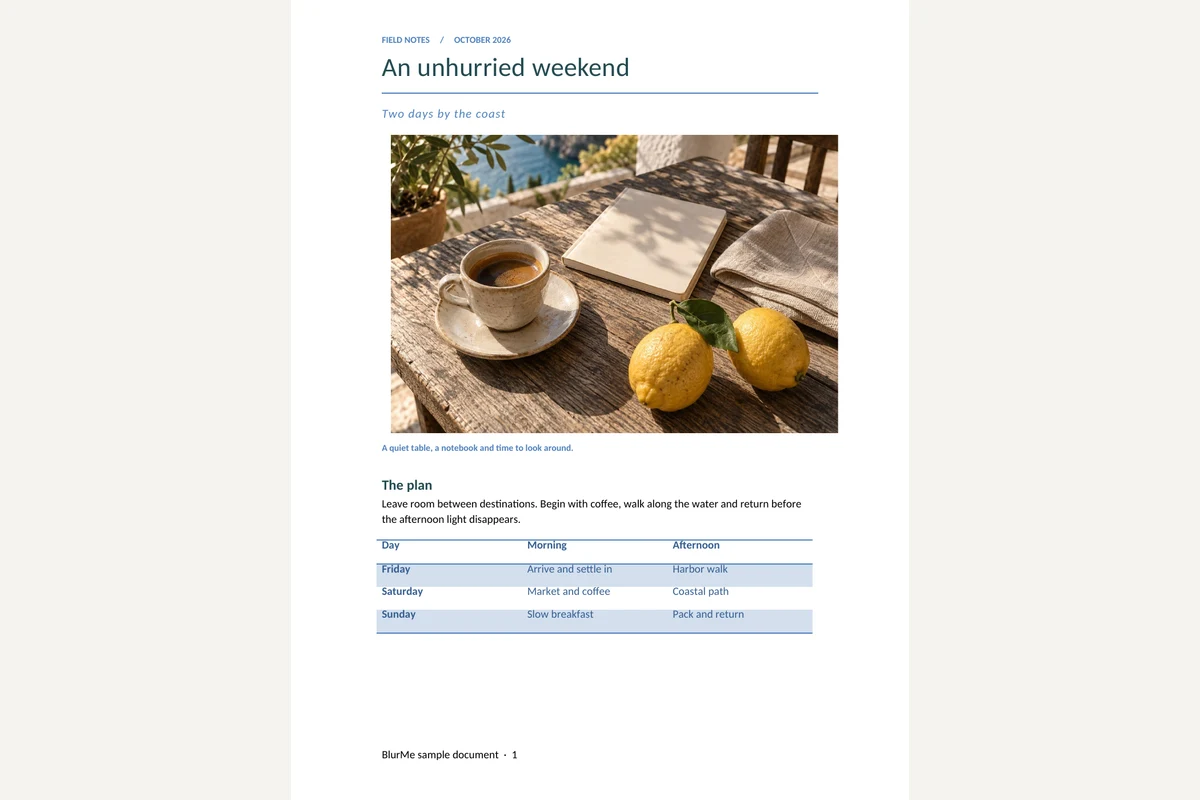
A quiet table, a notebook and time to look around.

The plan

Leave room between destinations. Begin with coffee, walk along the water and return before the afternoon light disappears.

Day

Morning

Afternoon

Friday

Arrive and settle in

Harbor walk

Saturday

Market and coffee

Coastal path

Sunday

Slow breakfast

Pack and return


Details worth keeping

The itinerary is a suggestion, not a timetable. Keep the afternoon free if the weather is good.

Packing list

Notebook and a pen

Water bottle and a light jacket

A camera, with room for more pictures

Shared notes

한국어 문서 · 日本語の文書 · العربية · Grüße aus Berlin

Reference: 001234567890123456789

Prepared as an original BlurMe example. All names and amounts are fictional.

More information: BlurMe
Copying the text out of a Word file
Choose a DOCX file.
Extract the text and check it in the preview.
Download it as a UTF-8 TXT file.
Working with DOCX to text
Text extraction reads the document’s written content and paragraph breaks. The TXT output is useful for searching, quoting or moving a draft into another editor.
The output contains text rather than styled pages. Pictures, colors and table layout are not reproduced, and this tool does not recognize text inside images.
Frequently asked questions
Related tools
All toolsWord to PDF
Convert a DOCX into a PDF with searchable text and fixed pages.
Extract images from DOCX
Download pictures embedded in a Word document in their original formats.
PPTX to text
Extract slide text in presentation order, separated by page breaks.
HWP to TXT
Extract readable text from HWP and HWPX into a UTF-8 text file.
Redact PDF
Edit in StudioFind and remove personal information in PDFs.
XLSX viewer
Choose a worksheet and inspect its saved cell values.