XLSX viewer
Choose a worksheet and inspect its saved cell values.
Visible sheets and stored cell values only. Formulas are not calculated. Charts and workbook formatting are not shown.
- Free
- No sign-up
- No file upload
Example result
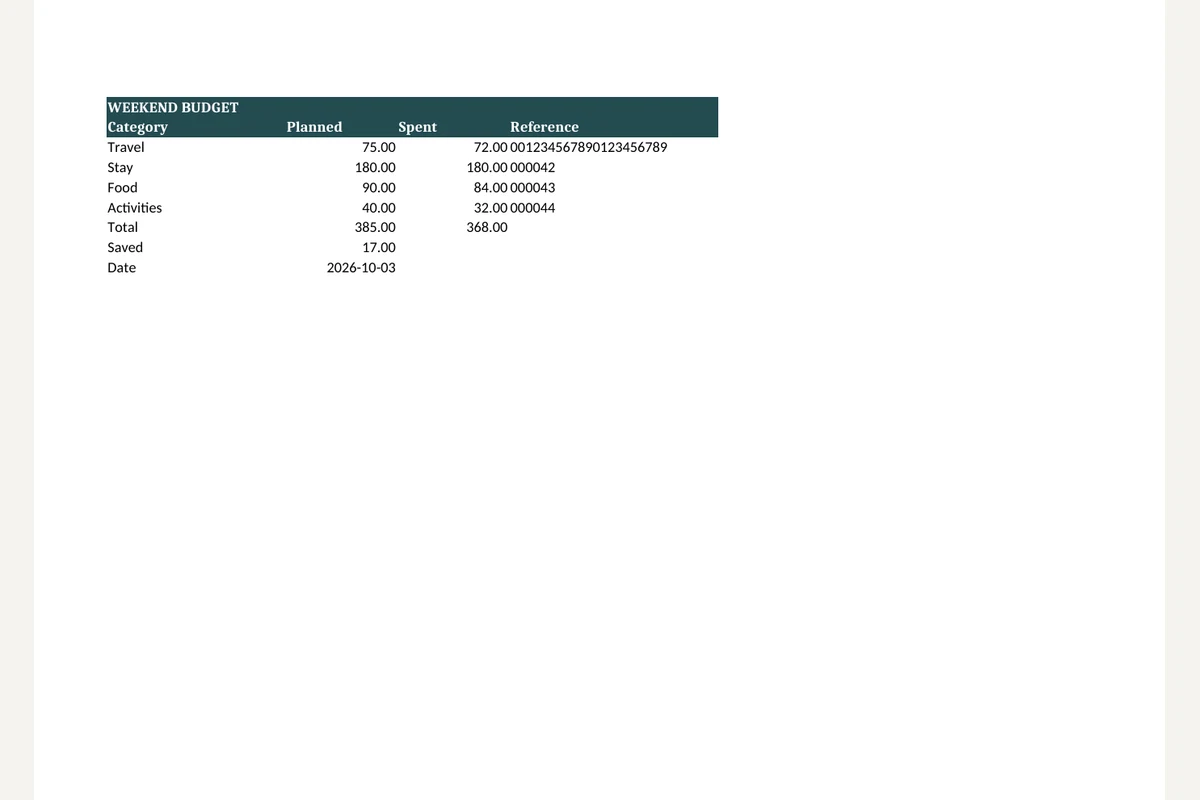 XLSX
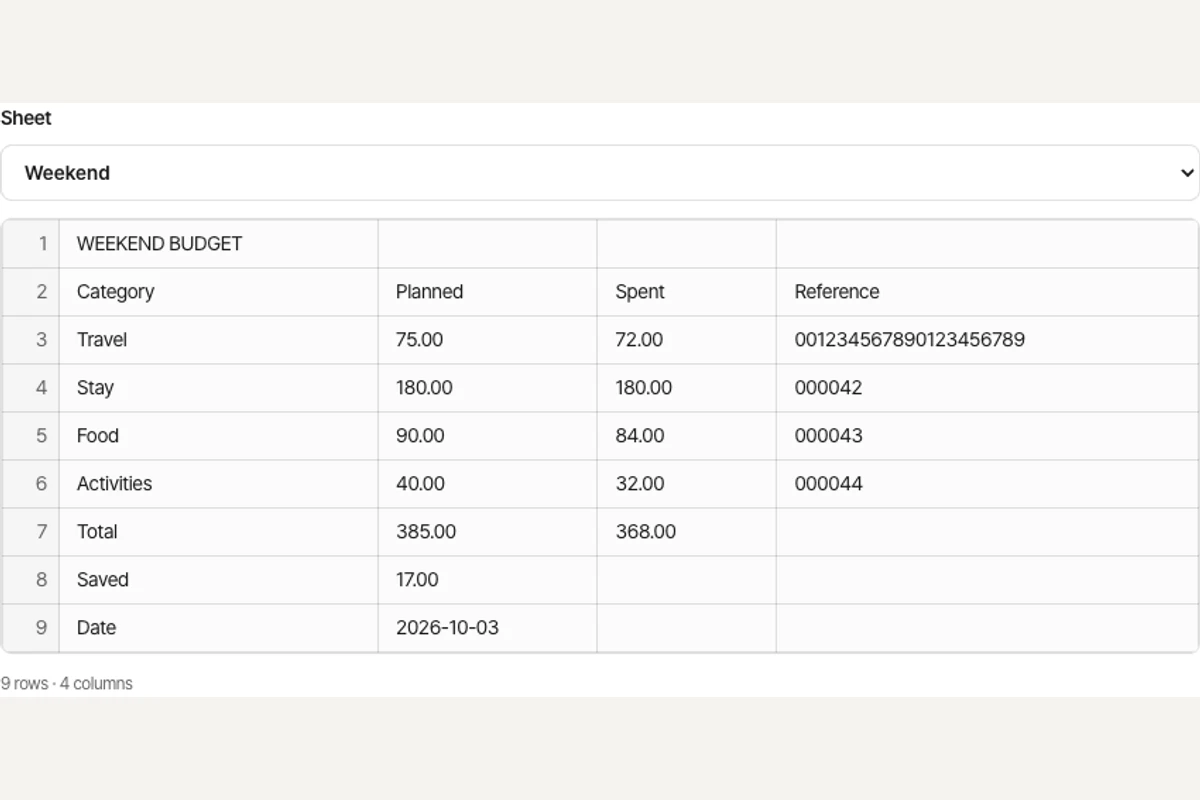 XLSX
Viewing an Excel sheet without Excel
Choose an XLSX file.
Pick the sheet you want in the preview.
Scroll through the cells to read the values saved in the file.
Working with XLSX viewer
The viewer lists visible sheets and shows their stored cell values in a simple table. Sheet selection lets you inspect a budget or data export without Excel.
It does not calculate formulas. A formula without a cached result appears blank with a notice. Charts, merged-cell appearance and workbook styling are not reproduced.
Frequently asked questions
Related tools
All toolsExcel to PDF
Turn visible XLSX worksheets into PDF using their print settings.
XLSX to CSV
Export the first visible worksheet or a CSV for every visible sheet.
CSV to XLSX
Put CSV data into an Excel workbook while keeping cell values as text.
DOCX viewer
Read Word paragraphs, tables and embedded images without opening Word.
Redact PDF
Edit in StudioFind and remove personal information in PDFs.
PPTX to text
Extract slide text in presentation order, separated by page breaks.