Excel to PDF
Turn visible XLSX worksheets into PDF using their print settings.
Office documents use PDF export with searchable text. Fonts and complex layouts can differ from Microsoft Office; check the preview before sharing.
The first conversion downloads about 256 MB of engine and fonts. Later visits can reuse the browser cache. Large documents may exceed your device’s memory.
- Free
- No sign-up
- No file upload
Example result
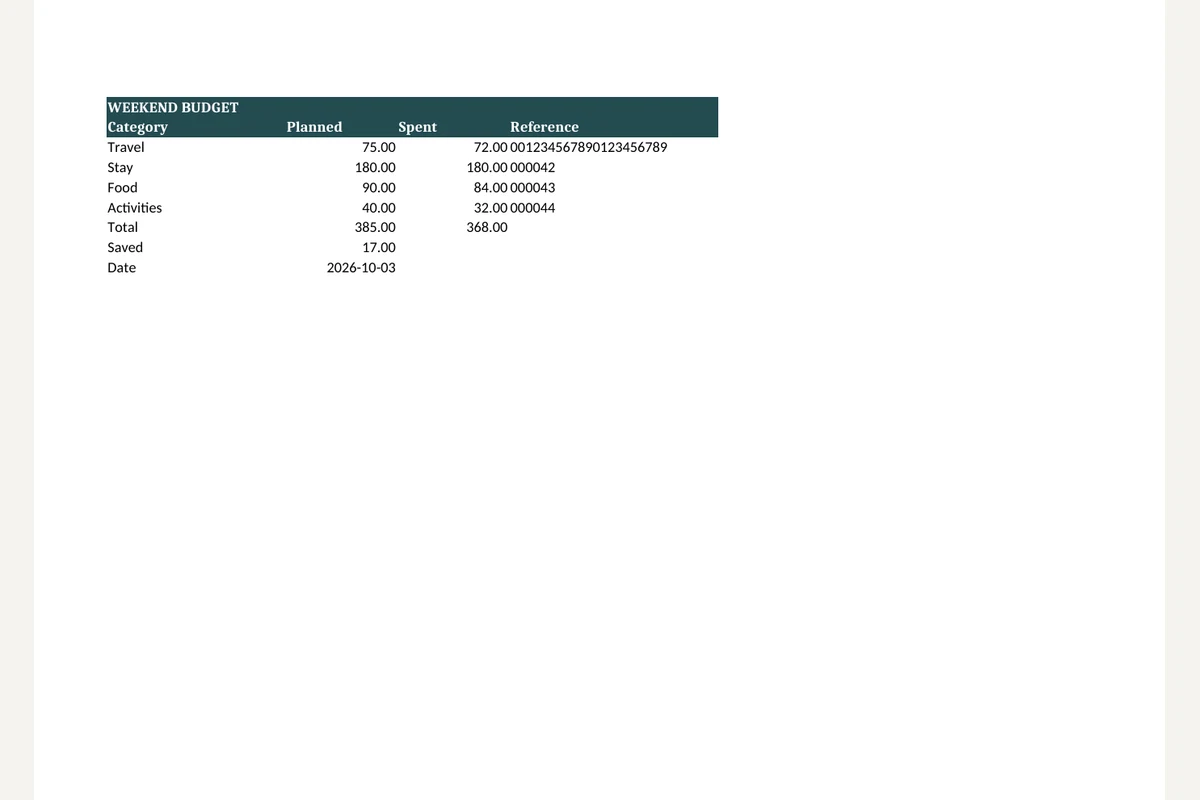 XLSX
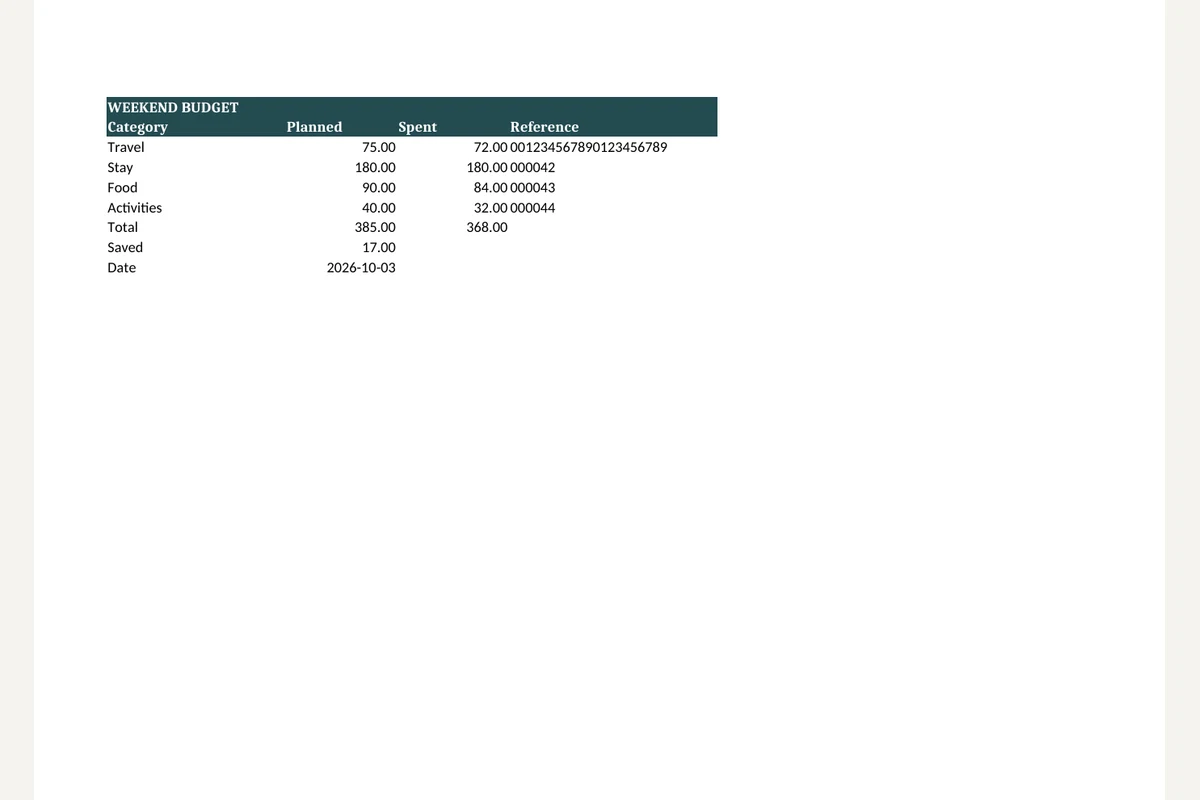 PDF
Saving Excel sheets as PDF
Choose an XLSX file.
Convert it. Visible sheets follow their print area and scaling.
If columns break across pages, fix the print settings in your spreadsheet app and convert again.
Working with Excel to PDF
PDF export follows the workbook’s visible sheets, print areas, paper sizes and scaling settings. Hidden sheets are excluded from the output.
Wide tables can span multiple pages if the workbook is not set to fit the paper. The Office engine may recalculate formulas differently from Excel; inspect totals and page breaks.
Frequently asked questions
Related tools
All toolsDocument to PDF
Convert DOCX, XLSX, PPTX, HWP or HWPX with one file selector.
XLSX viewer
Choose a worksheet and inspect its saved cell values.
CSV to XLSX
Put CSV data into an Excel workbook while keeping cell values as text.
XLSX to CSV
Export the first visible worksheet or a CSV for every visible sheet.
Redact PDF
Edit in StudioFind and remove personal information in PDFs.
PowerPoint to PDF
Export visible PPTX slides as PDF pages with searchable text.